
Business
An employee training platform: onboarding, upskilling and a knowledge base
Softbook for business is a platform for training employees: onboarding, courses and an internal knowledge base with department groups, roles and progress analytics.
- Onboarding without the chaos
- Progress you can see
- 30 days free
See also: Employee onboarding · Partner and dealer training
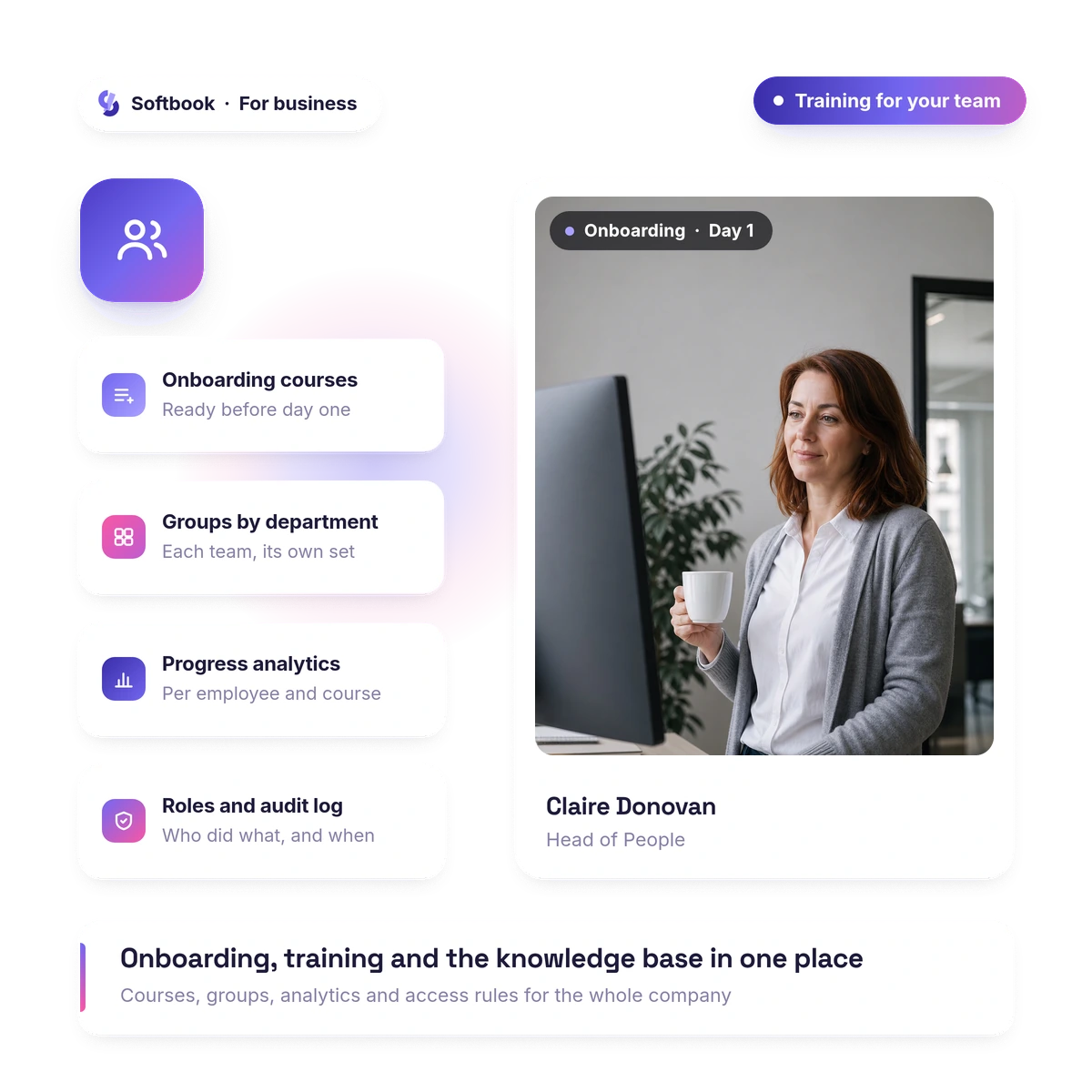
Onboarding used to live in chats, in files and in colleagues' heads. Now it's one course, one knowledge base, one progress report.
Onboarding
Onboarding and team training: one program for everyone
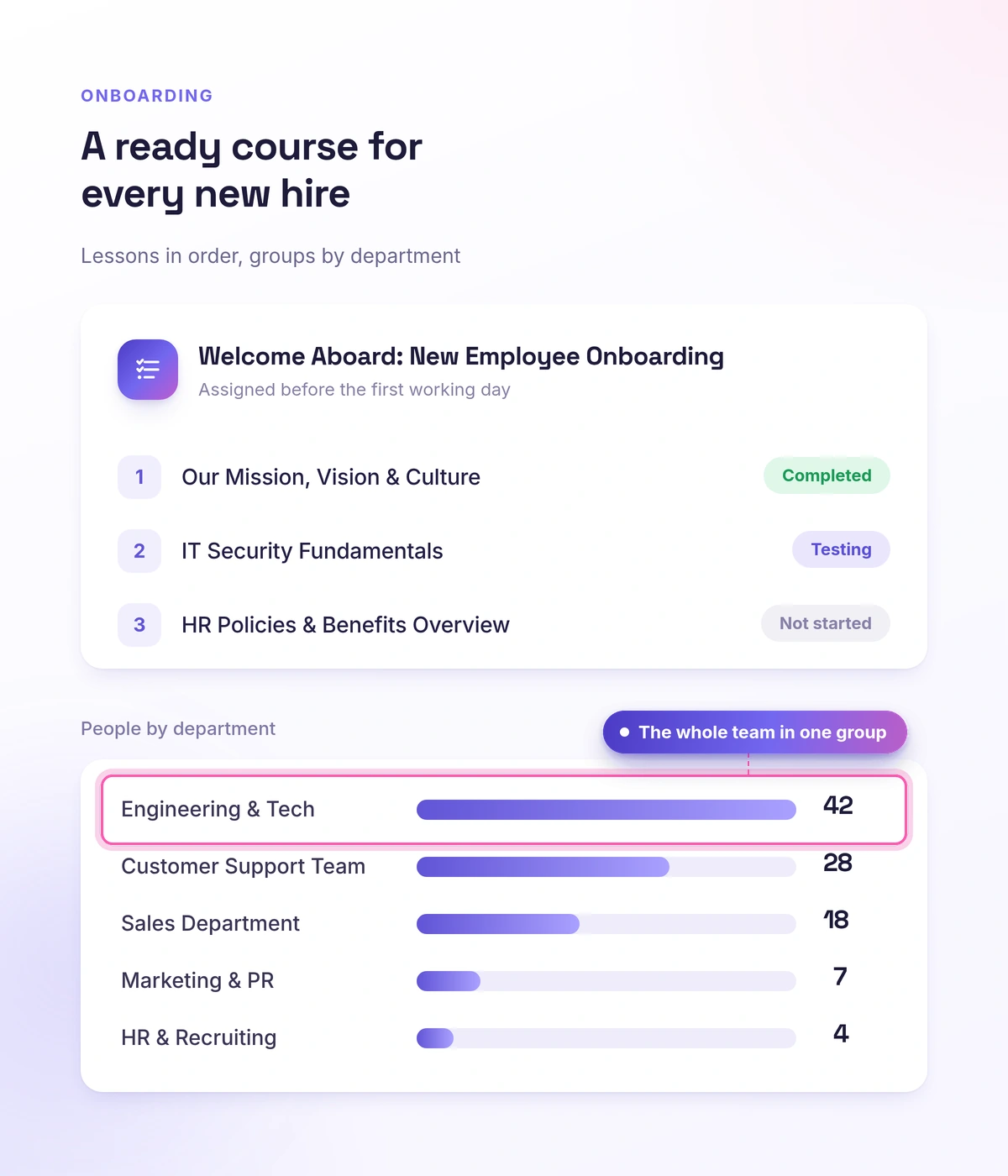
For a company this means a new hire learns on their own, and the program is the same for every one of them. You build the onboarding course in the editor, AI speeds up the structure, and you hand it out to department groups.
- Onboarding and upskilling courses: video, text, tests and assignments
- Courses and tests open in the iOS and Android app too, so people without a work computer can learn as well
- AI speeds up building the training program
- Department groups — a separate program for each team
Learning paths
Learning paths: an upskilling program built from several courses
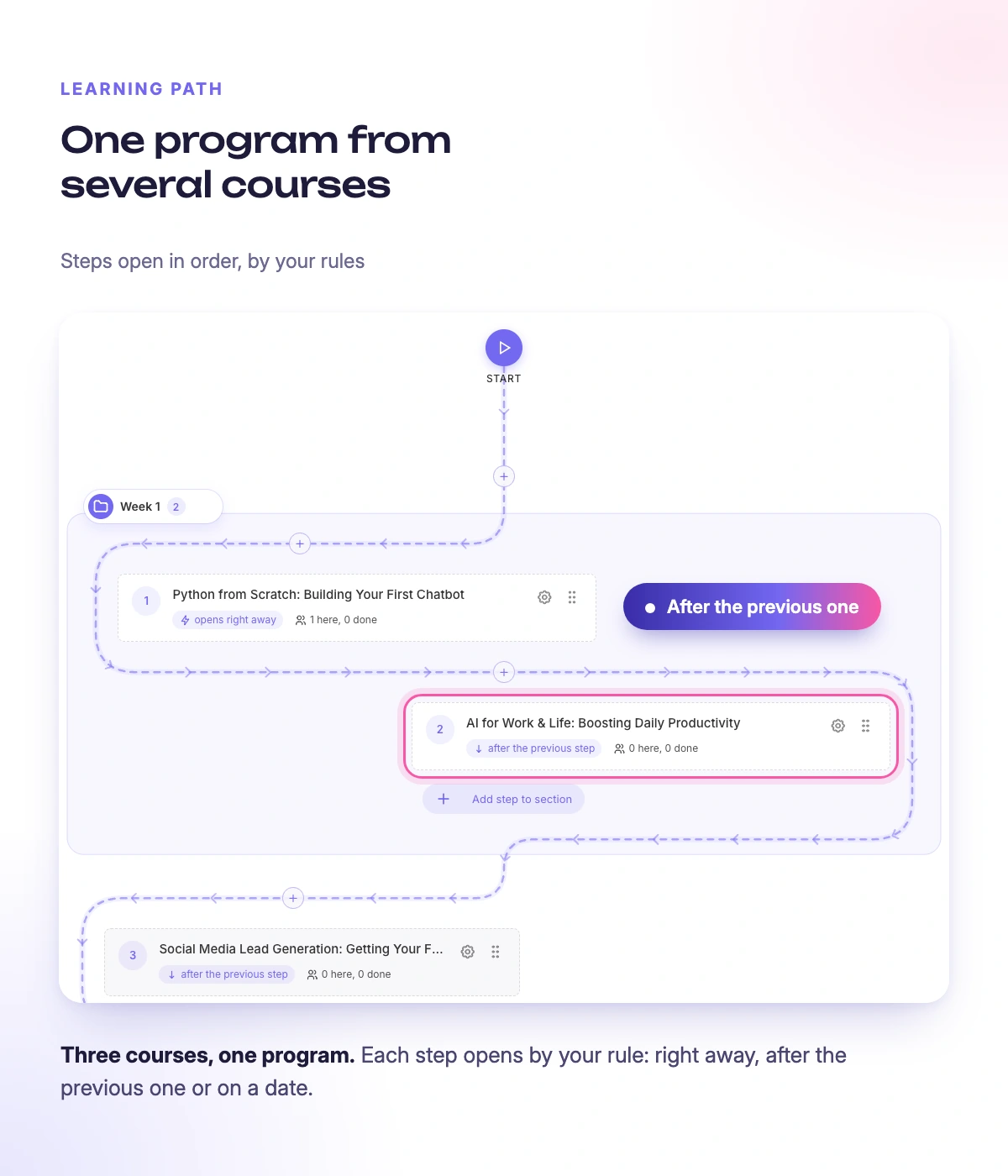
For a company this means a program of several courses runs in a set order and on schedule. You arrange the courses into steps, decide when each step opens and, if needed, give it a deadline.
- Courses in steps: the next one opens after the previous one, a set number of days later or on a specific date
- A deadline for a step: both the employee and your team find out when it's missed
- Path statistics: how many employees are on the path, how many have completed it and which step they stop at
- A certificate for the whole program is issued automatically once all required steps are complete
Progress
Progress and certificates: you can see who has been trained
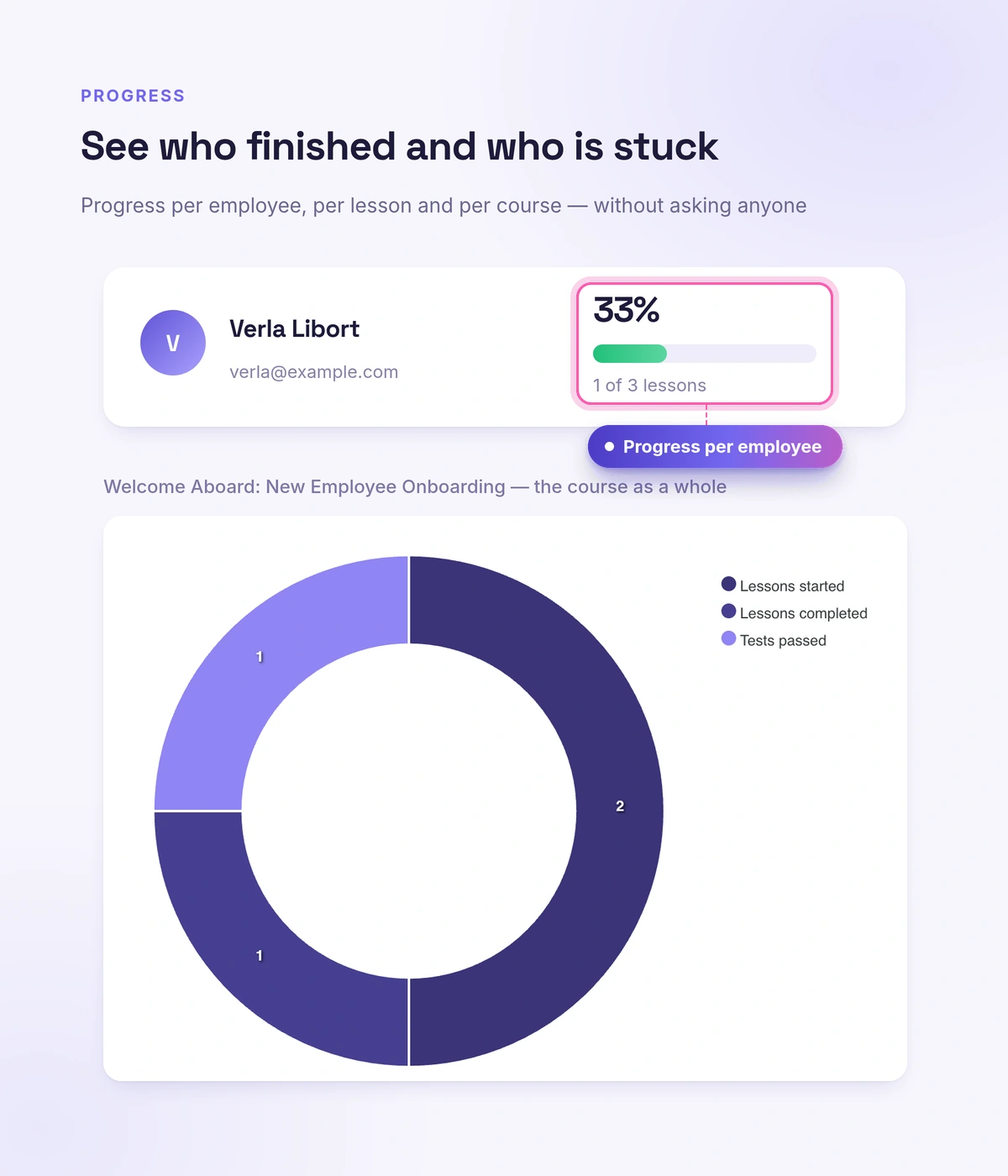
For a company this means you can see who is ready for the work and who is stuck. Learning analytics show progress by employee and by group, and a certificate with a QR code is issued for a completed course and can be checked publicly.
- Learning analytics: progress by employee and group, with laggards visible
- Certificates with a serial number and a QR code — a verifiable confirmation of completion
- The list of people who completed it exports to CSV
Certificates for a partner event, a client webinar or offline training come from Softbook Certify: by list, by link or through the API.
Permissions
Roles and permissions: everyone sees only their own part
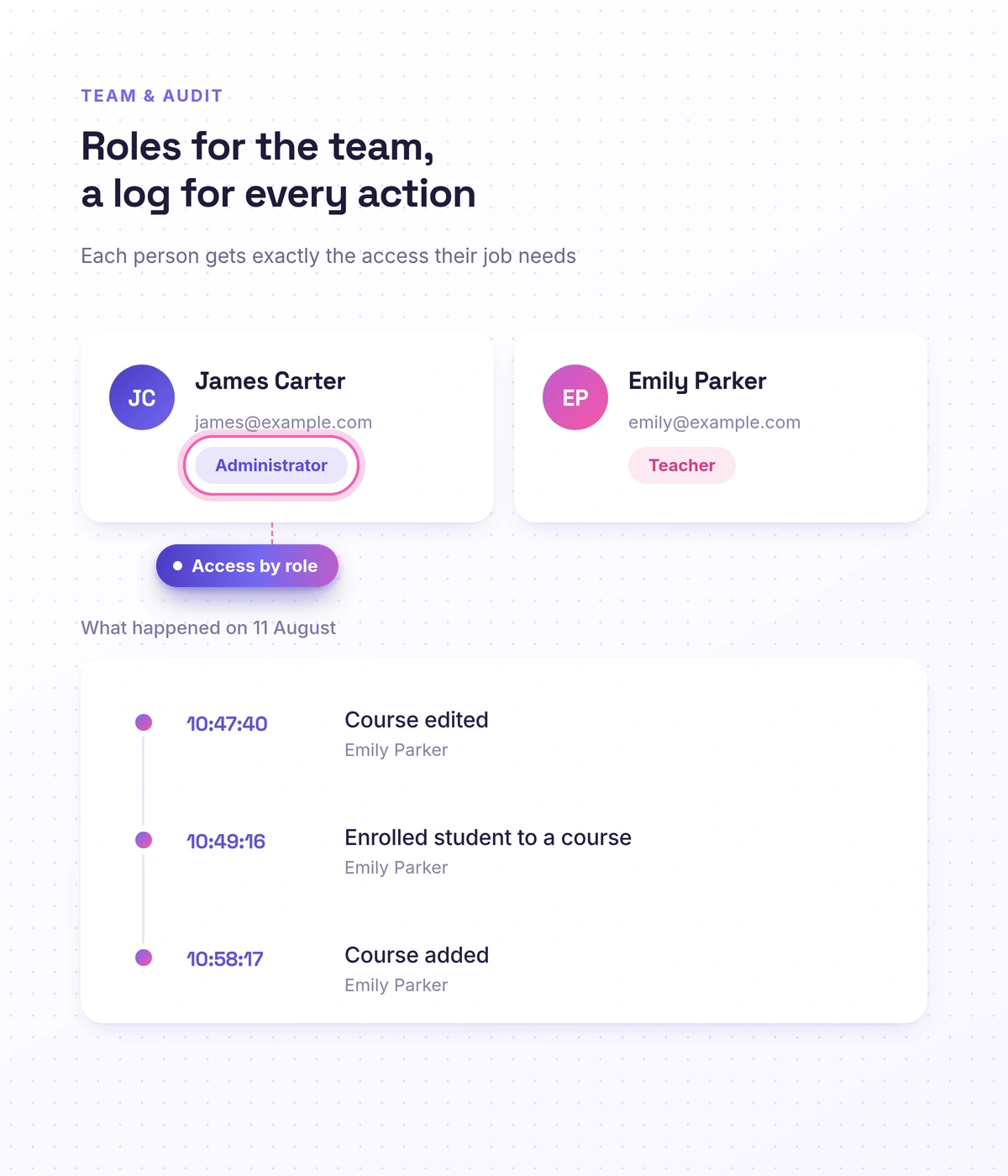
For a company this means you delegate the training without handing over access to everything. A curator gets their own group, a department gets its own courses, and at any moment you can see who changed what. Roles are configured by permission, and the team activity log is available to the school owner only.
- Roles and permissions: an administrator and a curator see only their own part
- Groups and employees assigned to a curator — each one runs their own department
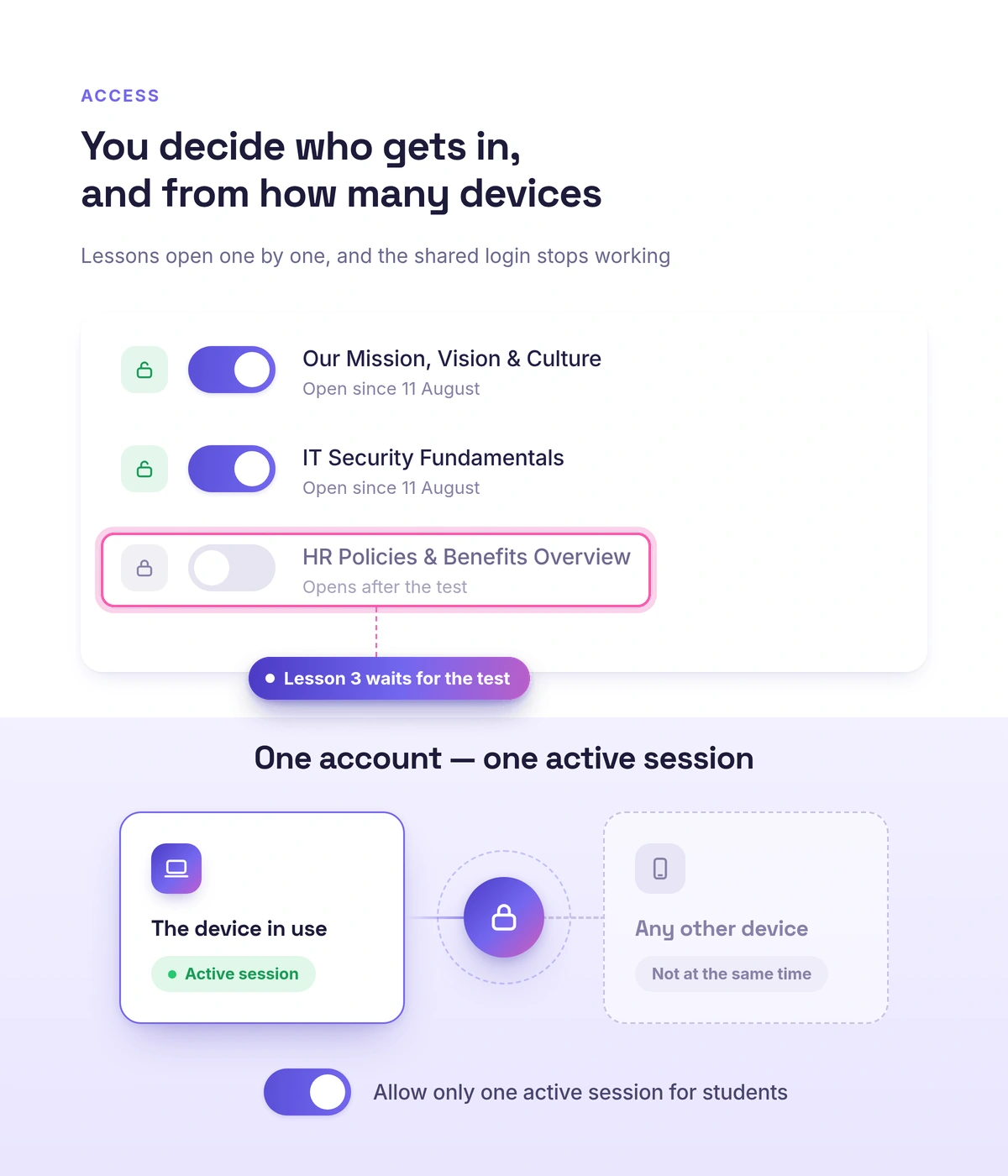
- The access manager opens and closes courses and individual lessons by group, including for a set period
- Team activity log: who did what and when — visible to the owner only
- Privacy: an employee sees only their own group, and direct messages can be turned off
- A dashboard per role: a department head sees their own numbers, not the whole school
Accurate records
Real people in the report, not one login for a whole department
For a company this means you can see who actually completed the training. If one account gets passed around a department, the report will say "employee trained" — while five people sat at the screen and one of them knows the material. You can't make decisions on a report like that. Turn on the "Allow only one active session for students" option: signing in from another device ends the previous session.
- One active session per employee — signing in from another device ends the previous one
- Progress in the report is tied to a specific person, not to a shared login
- You're paying to train employees, not for one account shared by all of them
Knowledge base
An internal knowledge base: policies always at hand
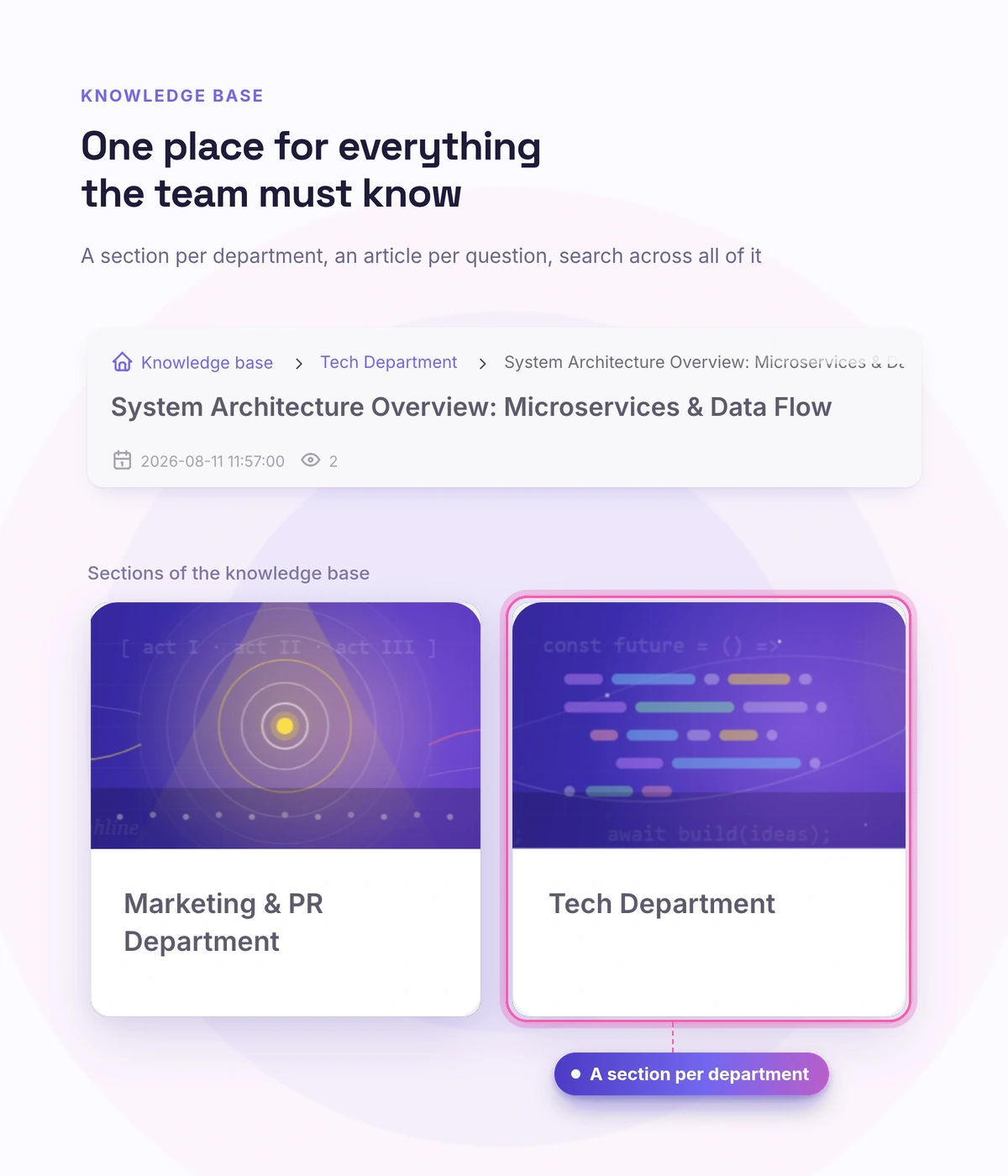
For a company this means instructions and policies don't get lost across scattered documents. In the knowledge base builder you put together a reference section outside the courses — categories, entries, publishing.
- Reference material outside courses: categories and entries
- Draft and publish — you update it when the processes change
- All in the same platform where the training happens
Reliability
Reliability and support in your own language
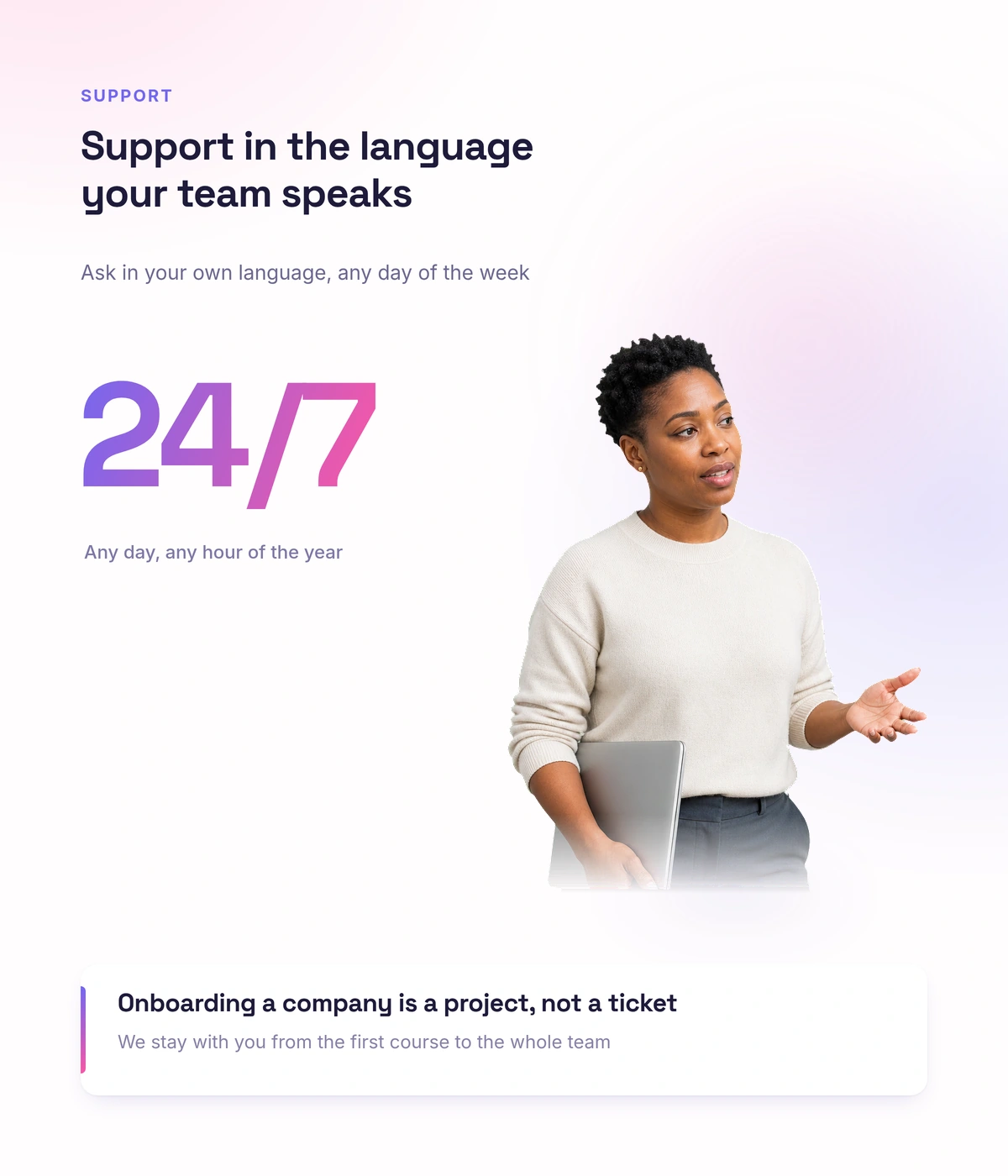
For a company this means the platform works steadily and there are real people nearby. We help at the start and answer in your own language.
- The platform runs steadily
- Support 24/7 in your own language
- Help getting the training started
Real schools. Real results. Real people.
Founders and creators on what works best for them in Softbook.

"We picked Softbook because we needed one platform for selling courses and managing students. What we value most: video uploads, clear pricing with no surprises, and support that actually listens and acts."
Mike Pritula
Mike Pritula Academy

"The team moved all my lessons over by hand — I have no idea how I would have done it myself. They were careful about it. They keep improving the platform, they listen to what you ask for, and they genuinely look after every client."
Tanya Mykhalchenko
PPC advertising school

"Before we switched, we tried selling video lessons through Instagram, but without an admin it was impossible. Here I uploaded the courses, set up automatic payments — and the system runs itself. The courses bring in steady income without me being involved every day."
Olga Miller
Director, recruiting school

"We built a big knowledge base for our students on Softbook. No more 'live' sessions with speakers — everything is recorded and laid out in modules with tests and assignments. Our instructional designers can finally breathe."
Alexey Dinar
Personal coach

"Your platform solved a problem I had been struggling with for a long time. I uploaded a few courses, set up automatic payments — and stopped worrying about the technical side. I can see the courses selling and bringing in income every month."
Alla
Massage therapist

"Softbook let us scale our cleaning school into new regions with no extra spend on technology."
Yevhen Sukharev
Founder, Kyiv School of Cleaning

"In two years with Softbook we have built a full agency with an education arm. The platform covers everything we need."
Myroslav Liaskovets
Founder, LeadMarketing
Questions businesses ask about team training
Yes. You create department groups and assign them to a curator — each one gets its own program and its own team.
Yes, with a learning path. Employees take the courses in order, each step opens by its own rule, and you can give it a deadline. Your team finds out about missed deadlines, and a certificate for the whole program is issued automatically.
Yes. Learning analytics show progress by employee and by group, and a certificate with a serial number and a QR code confirms the course was completed. The list of people who completed it exports to CSV.
Yes. In the knowledge base builder you put together a reference section outside the courses: categories, entries, draft and publishing.
Yes. The access manager opens and closes courses and individual lessons by group, and access can be limited to a period. An employee sees only their own group, and direct messages between employees can be turned off.
Yes. The team activity log shows who did what and when, and it's available to the school owner only.
The "Allow only one active session for students" option: signing in from another device ends the previous session. Progress in the report is tied to a specific employee, not to a shared login.
The price is fixed, the number of students isn't limited, and you start with 30 days free and no card. Plans are on the pricing page.
Set up training for your team on Softbook
30 days free, no card. Onboarding, upskilling and a knowledge base with progress tracking — in one platform.