
4 Decisions for Building an Exceptional Online School Website

Building an online school website involves four decisions: choosing a platform, designing the student experience, setting up payments and preparing for search and mobile use. This guide explains what to consider at each step.
1. Choosing the Right Platform
Start by choosing a platform that fits your needs and skills. It determines how you publish content, update lessons and communicate with students. Compare the tools you need and the work required to maintain the site.
Website builders and learning tools
WordPress: This platform, ideal for both novices and seasoned web developers, provides flexibility and control over your site. WordPress has numerous plugins, like LearnDash and LifterLMS, enabling you to design a comprehensive online school. These plugins offer various features, such as the ability to create courses, track user progress, administer quizzes, and so much more.
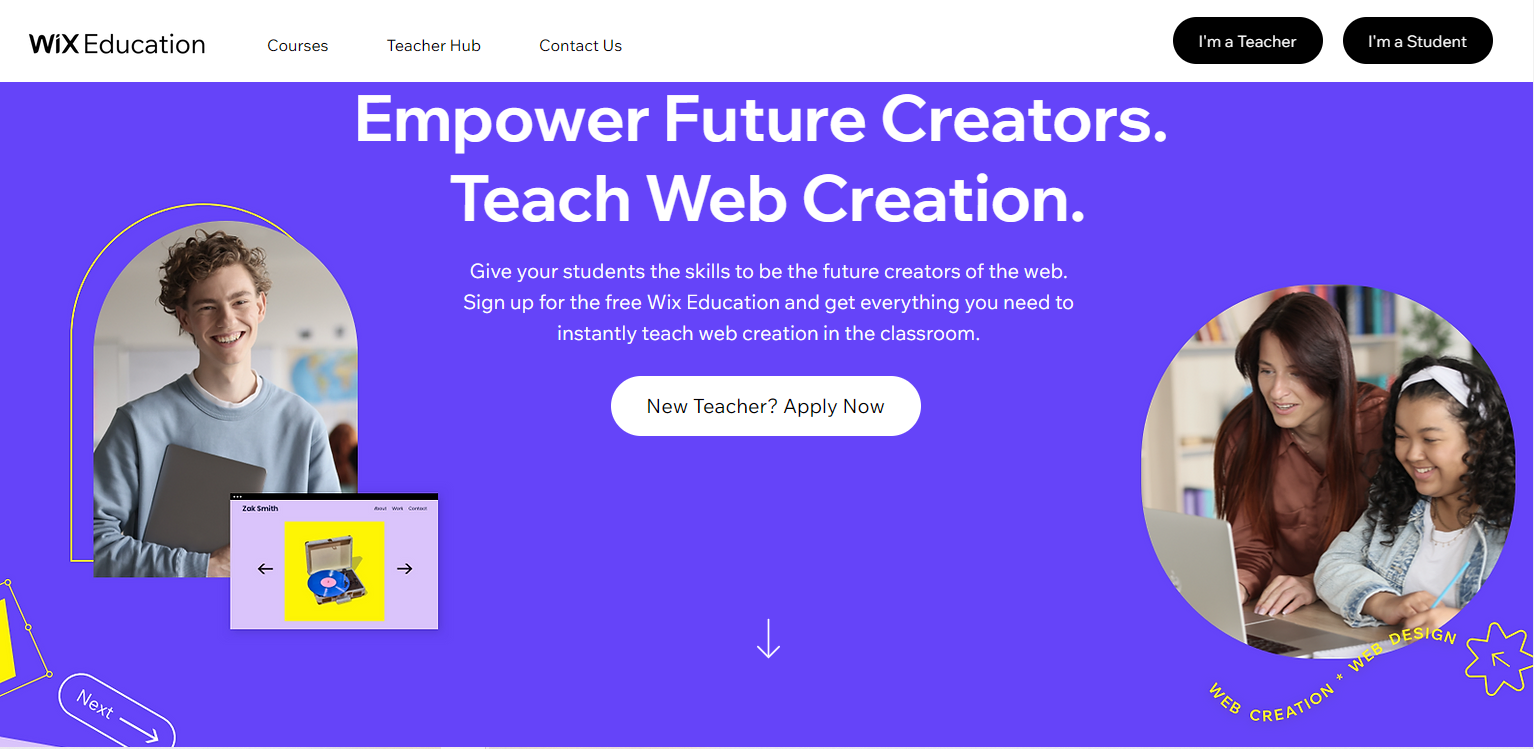
Wix: Known for its user-friendly interface, Wix is an intuitive platform to navigate. It offers a specialized solution, Wix Education, allowing you to create, manage, and sell online courses with ease. For example, if you are creating a photography course, you could use the Wix Bookings feature to schedule classes, making it convenient for both you and your students.
Squarespace: Famous for its visually pleasing and responsive design templates, Squarespace is the go-to option if your primary aim is to create a visually stunning online school. The platform’s aesthetics can greatly enhance the appeal of art or design-centric courses.
Weebly: Now owned by Square, Weebly provides a wide range of features specifically tailored for educational websites. The platform also offers integration with Square payment systems, making it easier to handle financial transactions.
Custom website development
Creating from scratch: This approach is a viable option for those who want full control and have the budget and time to spend. With a custom-built website, you can determine every aspect and functionality of your site to match your specific needs. For example, you may wish to integrate a unique grading system or a specialized student communication platform that is not available on standard website builders.
Custom development also requires time, budget and technical skills. Compare the control it offers with the work needed to build and maintain the site.
2. Prioritizing User Experience (UX) and User Interface (UI)
Make navigation simple and test whether students can find what they need. Use clear headings, straightforward menus and useful course categories. A search bar can help students locate lessons or other content.
3. Seamless Payment Gateway Integration
When choosing a payment service for an online school, check the seller’s registration country, your audience’s payment methods, settlement currencies, fees and payout terms. Run a test purchase and confirm access to the right course. Compatibility and setup depend on the provider; see the current list of Softbook integrations.

4. Optimization for SEO and Mobile
Plan content around the questions your audience asks. Use clear page titles, relevant descriptions and fast-loading pages. For coding courses, consider phrases such as “online coding courses” where they naturally match the content. Monitor search visibility, visits and purchases to assess the result.
In the modern digital age, a large proportion of internet users access the web via mobile devices. Hence, it’s critical to ensure your website is mobile-optimized. Responsive design that adjusts to different screen sizes, easy-to-click buttons, and fast loading times on mobile devices are all essential to cater to mobile users.
Choose a platform, plan the student experience, integrate a payment gateway with a tested checkout flow, and check search and mobile usability. Softbook is an option if you want learning tools in one platform instead of building an LMS yourself. Compare the features and setup work with your course requirements, then test the student’s path from registration to learning.