How to create addictive courses learners can’t put down
Picture this: you turned on one episode before bed, and a couple of hours later you realize you’ve watched half a season. Sound familiar? That’s not chance — it’s a deliberate approach built on the psychology of holding attention. The same principles work in online courses, so a student can’t tear themselves away from the learning. Let’s walk through concrete techniques that make your course as binge-worthy as a favorite show.
End lessons on an intriguing cliffhanger
Always close a lesson with an open question, a teaser, or a hint at valuable information you’ll reveal later. For example, after a lesson on building a brand: “In the next video I’ll show how to turn your brand into a client magnet — you’ll be surprised how simple it is”. Or: “This method looks simple, but it won’t work without one detail. More on that next”. That keeps the learner waiting for the answer.
A personal story whose ending opens up in the next lesson works well too. The goal is the same — keep interest high so the student finishes the course and gets the most out of it.
How it works in Softbook
A cliffhanger doesn’t have to live in words alone. In Softbook you can place a short quiz or poll with instant feedback at the end of a lesson — the student checks themselves right away and wants to move on to learn more. And a gamification reward scenario reinforces the moment: a completed lesson or a correct answer earns a visible reward, and coming back to the course feels good.
Keep blocks short but concentrated
Episodes of 20–40 minutes are easier to watch than two-hour lectures. The same goes for courses: information lands better in portions, when it’s presented clearly and without filler. The optimal video lesson length is 15–20 minutes, 30 at most for a complex topic. Each block should carry one main idea or one tool. Instead of a big lecture “How to write strong copy”, split it into blocks: “Striking headlines”, “Text structure”, “Call to action” — so the student gets concrete value after each module.
To make blocks even clearer, add diagrams and checklists. Infographics are easy to put together in Canva, and mind maps in MindMeister or Miro. That saves the student time and keeps the material accessible even at a fast pace.
How it works in Softbook
Dynamic course templates help you build a course out of these short blocks: you set the module-and-lesson structure once, then fill it in to a single pattern — no assembling every lesson from scratch. The material stays even and concentrated from the first module to the last.
Add visual and emotional hooks
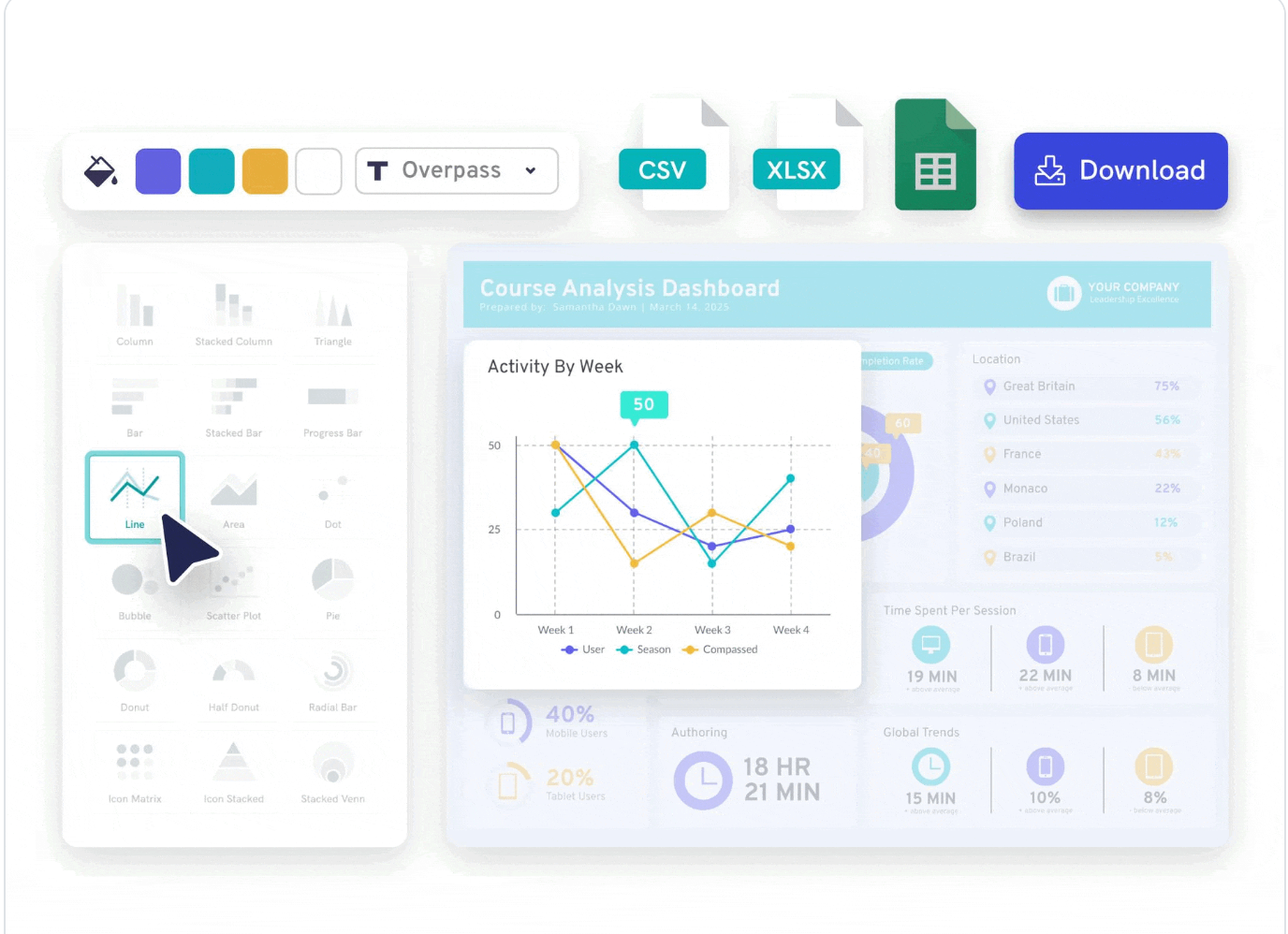
A series holds attention not only with plot, but with the picture, the music, the characters’ emotions. A course can too: break lessons up with visual elements that catch the eye and stick in memory. Replace dry numbers and complex explanations with infographics — tools like Piktochart or Visme produce striking diagrams even for those who don’t work with design. Short video clips — an interview excerpt, a demo, a well-chosen frame — add momentum.
Emotional hooks matter just as much. A story that stirs empathy is remembered better than dry theory. Talking about tough negotiations — show a short case where someone handled a conflict thanks to your advice. That turns learning into a process the brain doesn’t “switch off” from.
How it works in Softbook
Before you show a lesson to students, it helps to look at it through their eyes. Softbook has a “student’s-eye view” mode for exactly this: you see the lesson exactly as a student will, and you immediately spot where the visuals are overloaded, where a hook is missing, and where attention might fade. It’s the fastest way to catch weak spots before launch, not after the first complaints. And for how to make a course not just useful but premium in feel, we broke it down in “Premium course without the premium price”.
Make the move to the next lesson effortless
A series offers the next episode automatically — you don’t get the chance to change your mind. Bring that into learning: a student shouldn’t have to hunt for how to move on. In Softbook the “Next lesson” button sits under every lesson, so the move is always at hand — attention isn’t lost on switching, and progress carries itself. The fewer steps between lessons, the more people reach the finish.
Build a storyline or progression worth “finishing”
A series grips you because each episode is part of a bigger story, and you want to know what happens next. A course works the same way: learning is more interesting when the student sees movement toward a concrete result. Think of your course as a story where each lesson reveals a new piece of the puzzle. A finance course might start with setting goals and end with a finished year-long plan. Add a mini-challenge to each module that leads to the finale: take a photo with a new technique, edit a shot, build your own project.

How it works in Softbook
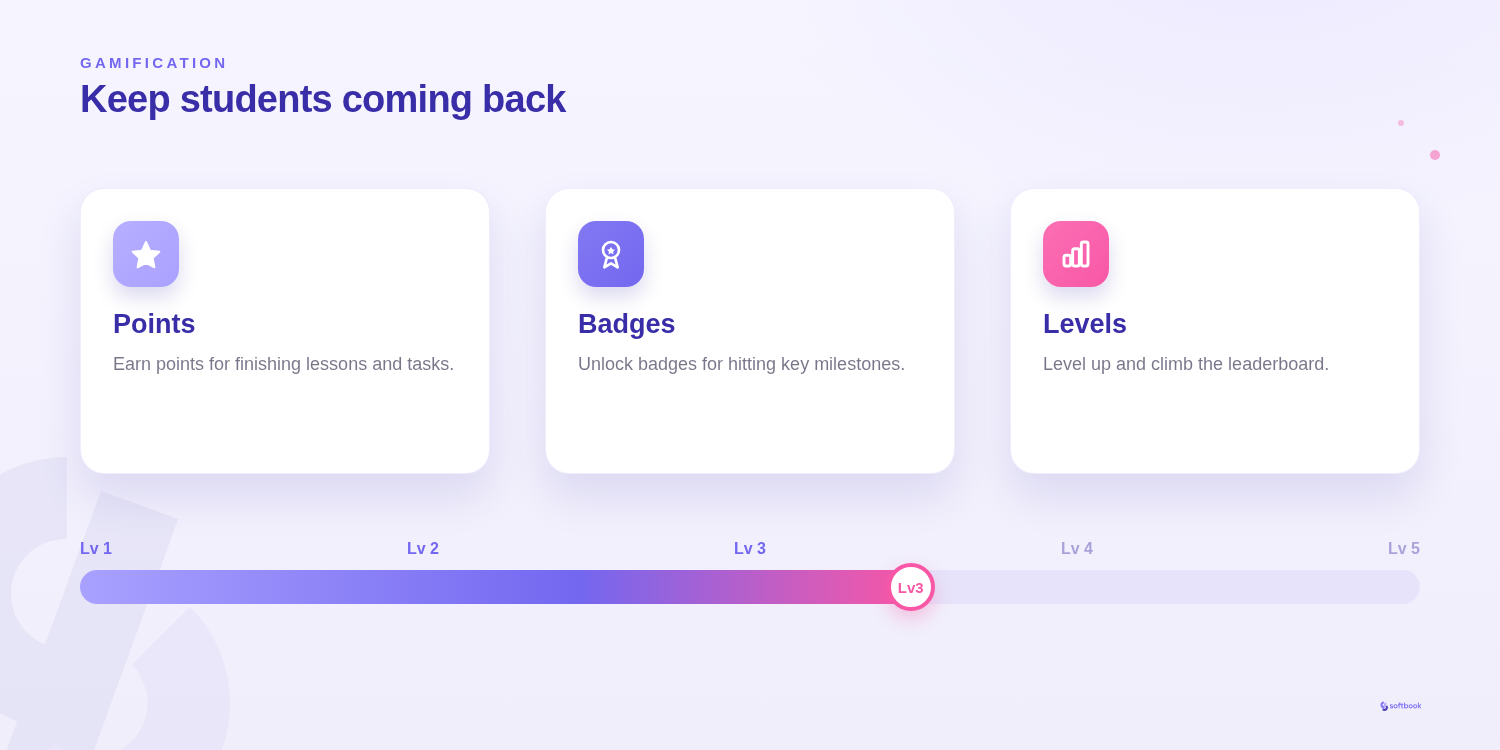
Progress in Softbook is visible, not just claimed: the student sees completed modules and their own stats, and a gamification scoring scenario turns that movement into a visible game — points and marks for steps toward the result. The mini-challenges themselves are easy to build as a series of auto-graded tasks, where each one brings the student closer to the final project. The course’s storyline becomes tangible rather than merely stated.
Add interactive tasks and mini-quests
Listening is good, doing is better. Courses where you can try something right away are remembered far better. Interactivity isn’t decoration — it’s a tool for deeper learning.
The core of interactivity is tasks with feedback that lock in knowledge on the go. Want to add a game — build a mini-quest: a series of tasks where each one unlocks a new hint or bonus. In a time-management course, that could be a “7-day challenge”, with a new technique to practice each day.
How it works in Softbook
In Softbook, you can add auto-graded tests with different question formats to a lesson. Choose the format for the skill and build a sequence of tasks from simpler to more complex. AI helps prepare the course structure and rough lesson notes; the author prepares and reviews test questions, correct answers and assessment criteria.
For static infographics inside tasks, Piktochart or Infogram still do the job — but the interactivity that engagement depends on now lives in the same place as the course.
Conclusion
To create a course that’s hard to put down, knowing your topic well isn’t enough — you have to present it so the student wants to come back. Lessons with hooks, short blocks, visual effects, a thought-out storyline and interactivity aren’t decor; they’re the tools of effective learning. When content holds attention, stirs emotion and lets you act right away, it becomes an experience — and that’s what makes someone hit “next lesson”.
An addictive course starts before the first lesson — with how you welcome the student. For how to make that start warm, we broke it down in “Student onboarding”. And if you’re only just building your school — start with the guide “How to create an online school from scratch”.
Try Softbook free — 30 days of full access, cancel anytime.
Frequently asked questions
How do you hold students' attention to the end of a course?
Attention is held by the format, not the volume of material. What works: hooks at the end of lessons (an open question, a teaser for the next topic), short concentrated blocks instead of long lectures, visual and emotional accents, visible progress toward a result, and interactive tasks. The less effort it takes to move to the next lesson, the more students reach the finish.
How long should video lessons be?
The optimal video lesson length is 15–20 minutes, 30 at most for a complex topic. Longer lectures tire people out and reduce retention. It's better to split a big topic into several short blocks, each with one main idea or one tool — that way the student gets concrete value after every module and doesn't lose focus.
Which interactive elements increase engagement?
Tasks with feedback work best: quizzes, polls, and mini-quests built from a series of tasks. They turn passive listening into action, and action is remembered better. In Softbook this is built in — auto-graded quizzes and different question types (fill-in-the-blanks, matching, sentence building, categorization and others) can be added to any lesson and combined into a full mini-quest.
What is gamification in an online course?
Gamification is game mechanics in learning: points, marks, and rewards for actions and progress. They sustain motivation and make movement through the course visible. In Softbook gamification is available on all plans through scenarios: a reward scenario marks a student's actions, a scoring scenario awards points for steps toward the result. The key is to tie rewards to real progress, not hand them out for nothing.
Why do students quit courses halfway through?
The most common reason isn't the difficulty of the topic but a loss of interest: long monotonous lessons, an unclear structure, no sense of progress, and an awkward move between lessons. The student stops seeing why to go on. The fix is a format that holds attention: short blocks, hooks, visible progress toward a concrete result, and interactivity that puts the person back in an active role.