
Your school on your phone
Students work through lessons and hand in assignments. You and your team watch the sales, open access and review the work.


Point your phone's camera here to open the App Store or Google Play
Choosing a platform for your school? Start free → 30 days, no card
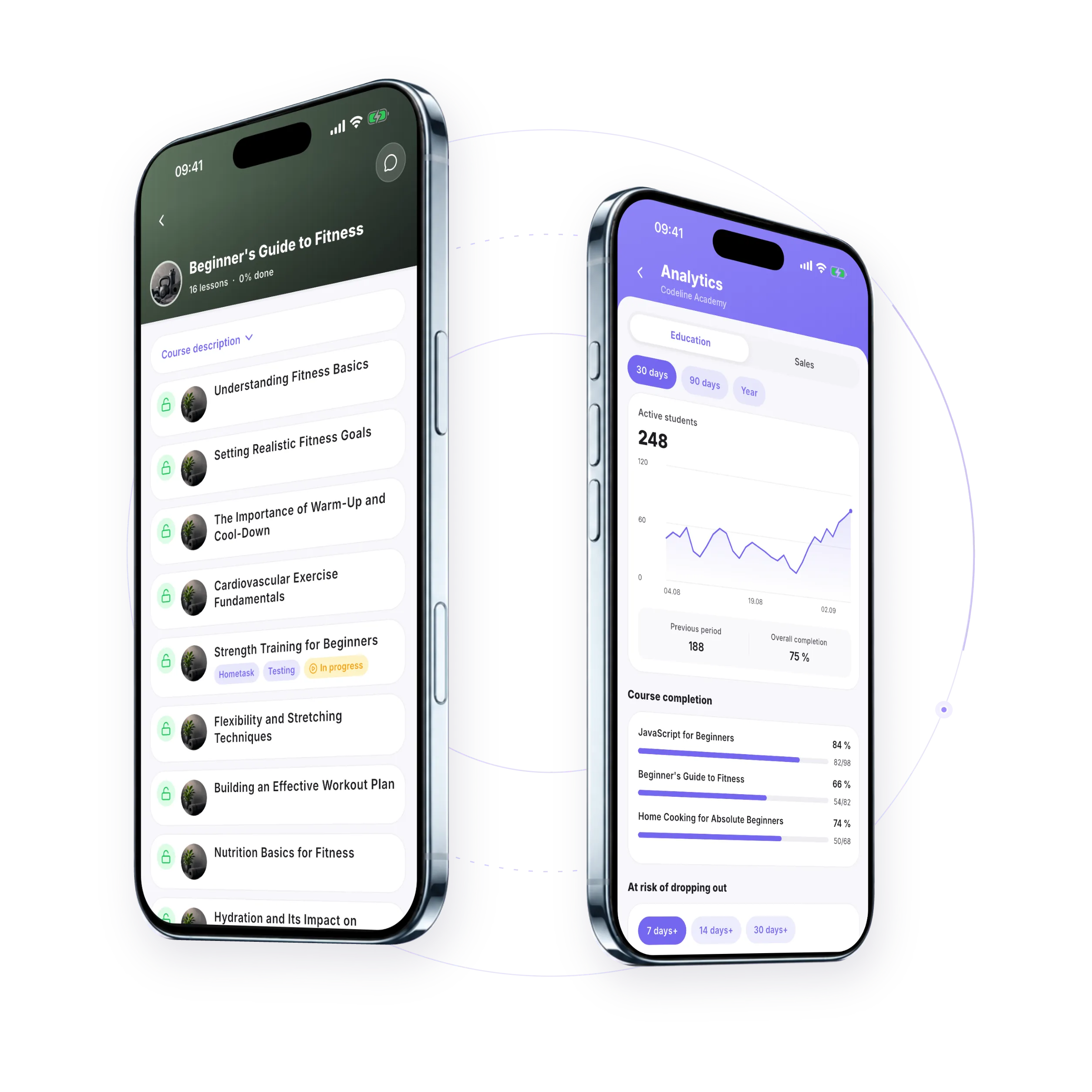
The whole course opens in the app
The lesson order and the access rules are the ones you set in the web version. There's no separate phone version of the course to prepare.
- Watch and listen Video, audio, PDFs, text and Wordwall activities open right in the app.
- Take tests and submit assignments Students take tests and send their homework as text, a file or a voice answer.
- Hear back from the teacher The grade, the review status and the teacher's comment arrive in the app, and students can message about the work there.
School chats, notifications and certificates are there too.
Run your school from your phone
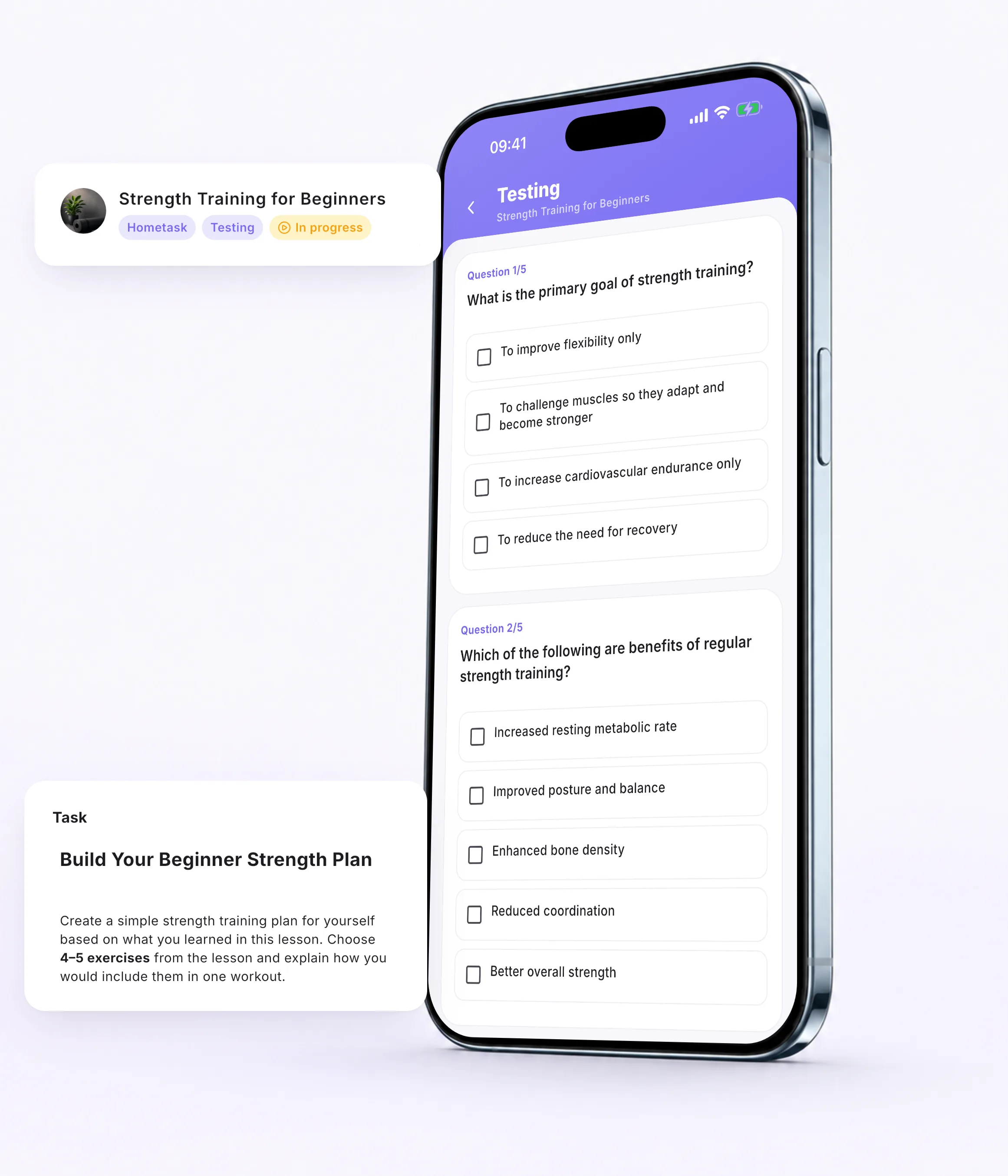
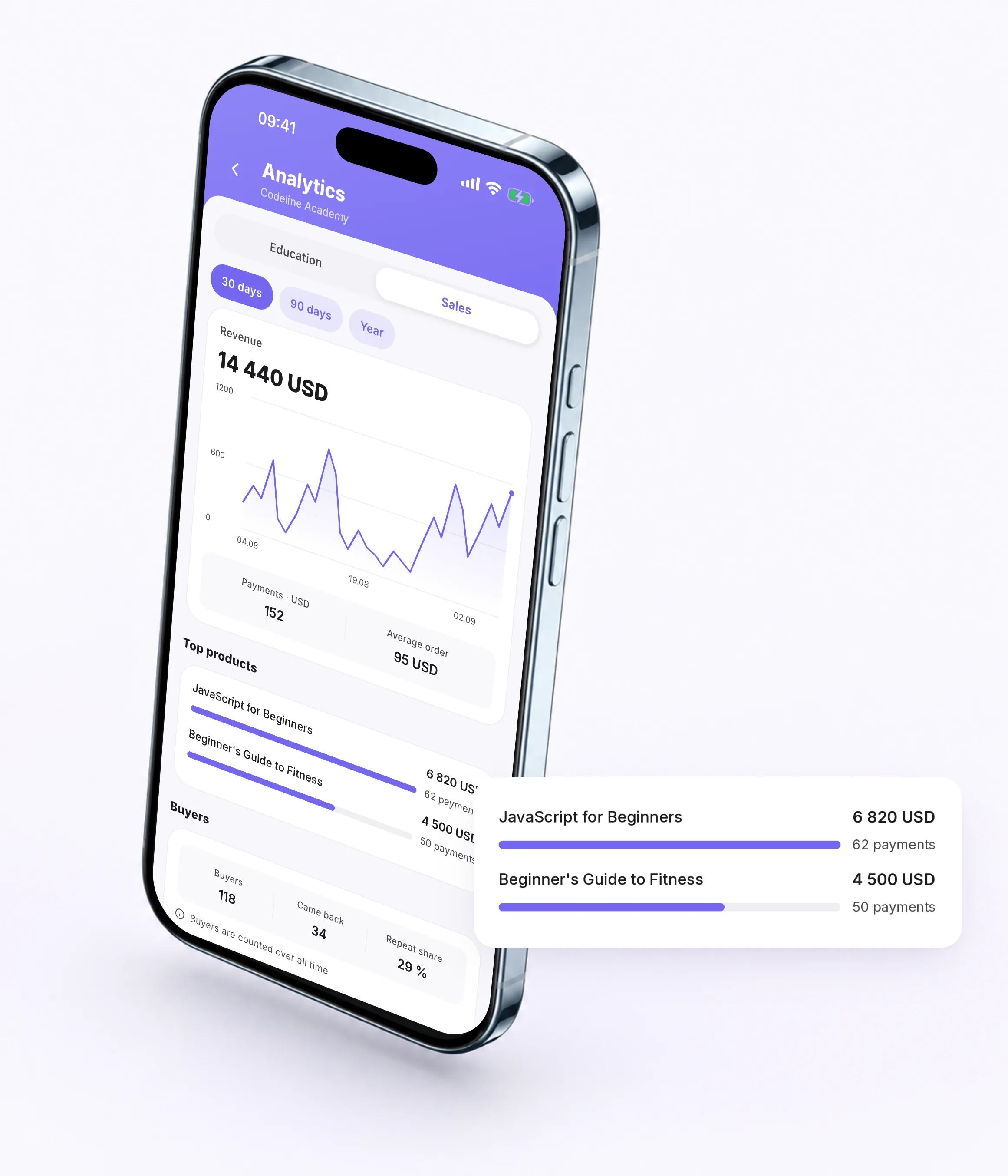
Owners, administrators and teachers work in the app, not just watch the numbers.
- Keep up with sales Check revenue, orders and unpaid invoices in the app.
- Open and close access Grant or close access to a course or a single lesson right from the student's card.
- Handle deals and tasks Deals, contacts and tasks from the CRM: a task with a deadline sends a push reminder in advance.
- Review the work Give a grade, reply with a comment or a file, and accept or reject the work.
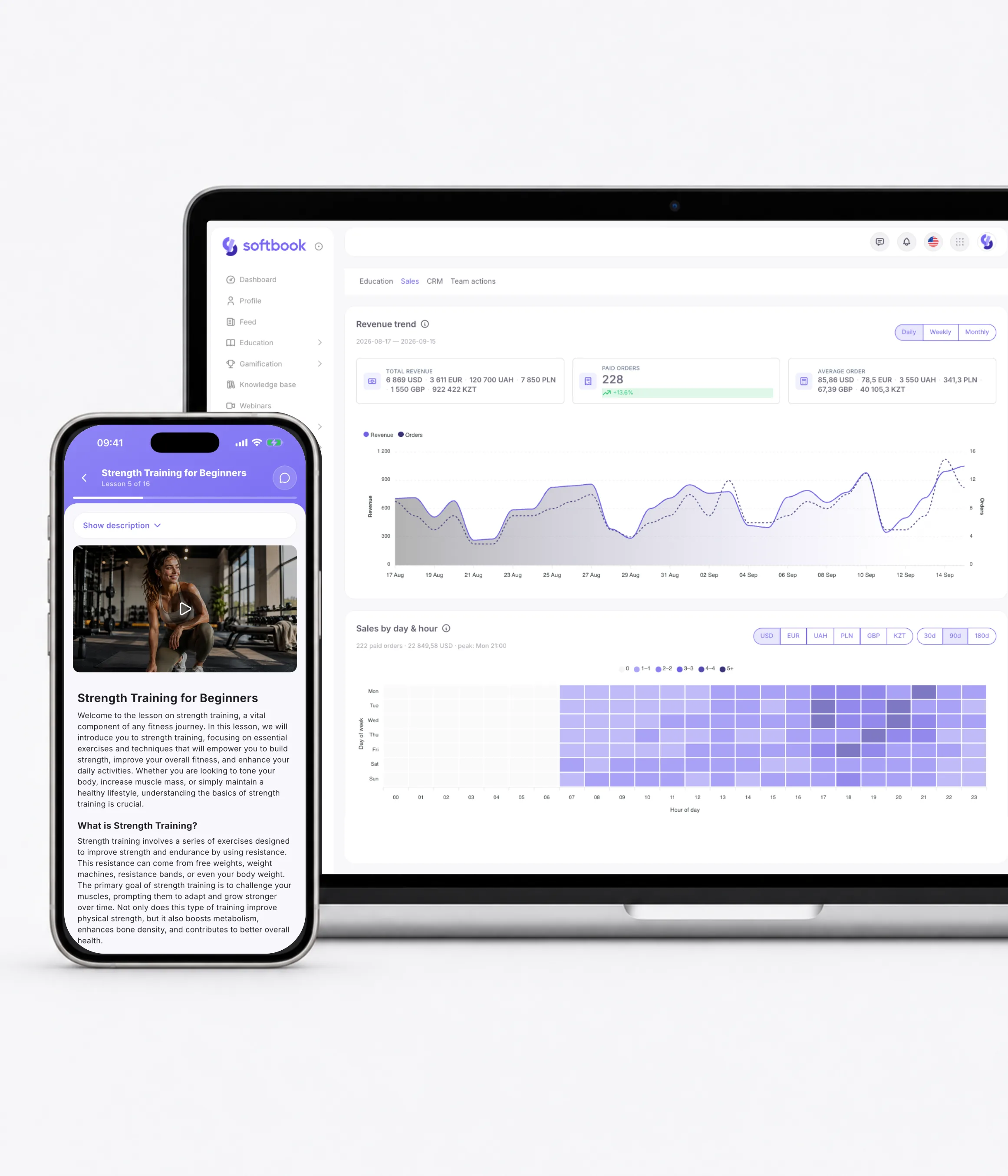
Phone and browser are the same school
Full sync across devices: what's done in the app shows up in the web version right away, and the other way around.
Made to fit your school
Your school's own color
Once someone signs in to your school, the app takes on its color and shows the school icon, if you've set one.
Several schools, one app
Switch between linked school accounts with one tap, no password to re-enter.
Sign in with Face ID or fingerprint
The app asks for Face ID, Touch ID or a fingerprint at launch and when you come back from the background.
Users turn this sign-in on themselves.
Screen recording doesn't capture video
If the school has turned this setting on, screen recording doesn't capture video in the app.
Eight languages
Ukrainian, English, Russian, Polish, German, French, Spanish and Portuguese.
The language is synced with the account.
Before the first sign-in
The app is part of the Softbook platform and is available on all plans, so there's nothing extra to pay for it. Plans and prices are on the Pricing page.
Send your students a link to your school. If the app is installed, the link opens straight in it and takes them to the right school. They can sign in with a login and password, Apple ID or Google. Your school's store and landing pages open in the browser, just as visitors expect.
No. You set your school up in the web version, and the changes reach the app with no reinstalling. An action in the app triggers the same automations as an action in the browser.
Your course, on your students' phones
Create your school on Softbook. The iOS and Android app already comes with the platform.
30 days free. No card. No commitment.
Already on Softbook? Install the app: