
LMS platform for online schools, creators and customer training
An LMS (learning management system) is a platform where you create courses, give people access to them and track how students progress. Softbook as an LMS platform brings together courses, quizzes, assignments, certificates, analytics and a mobile app, plus sales and a CRM for those who sell their teaching.
- Unlimited students on every plan
- iOS and Android app
- 30 days free
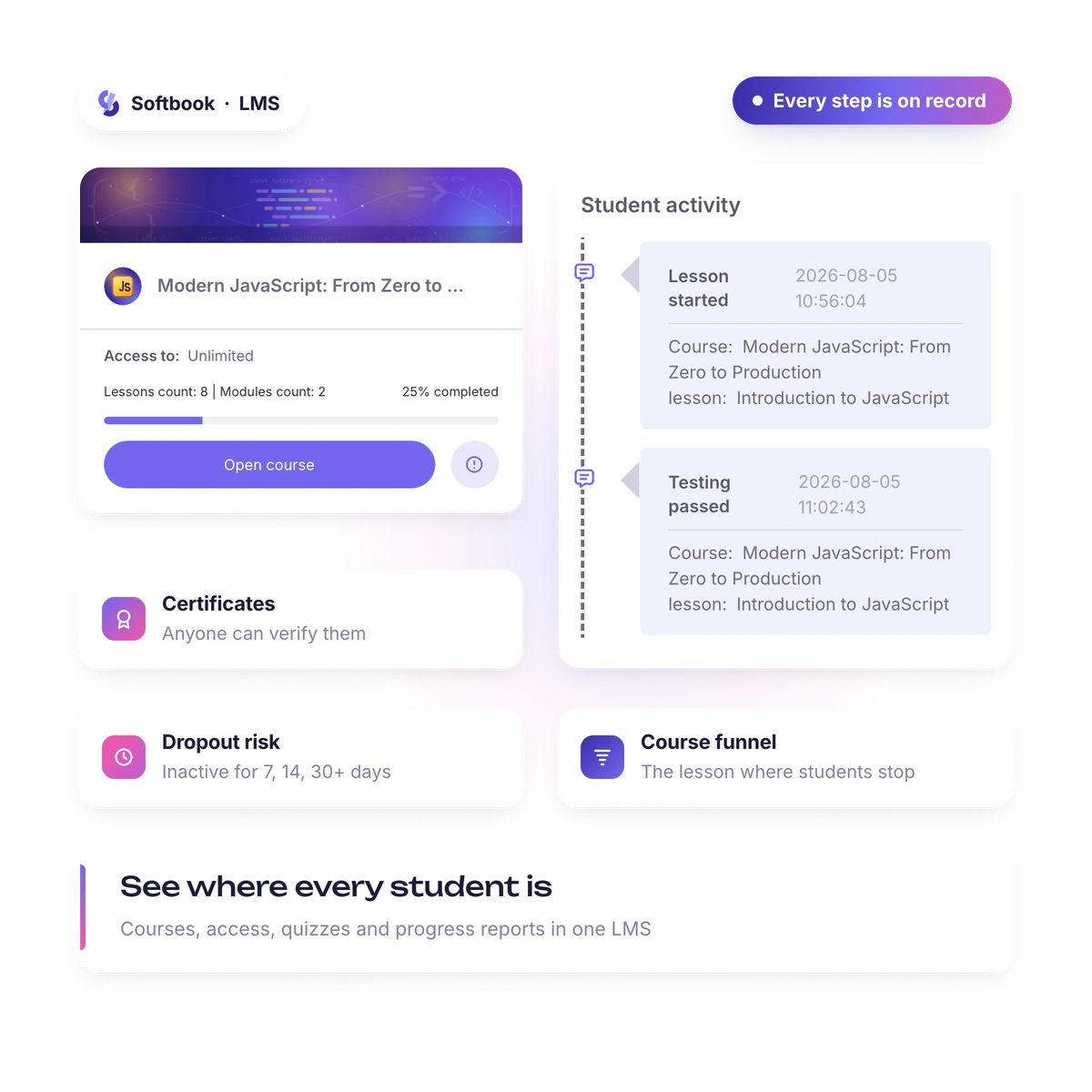
An LMS is judged by its reports, but it only works when students reach the end. That's why Softbook keeps the student's whole path in one place: lessons, reminders, chat and the certificate, with progress visible at every step.
What's inside
What does an LMS platform include?
Everything that lets learning run without manual record-keeping: courses and access, knowledge checks, progress reports and contact with students. In Softbook it's one dashboard where all these parts work with the same data.
- Courses, modules and lessons with video, audio, files and interactive tasks
- Quizzes with eight question types, and assignments
- Groups, schedules and an access manager
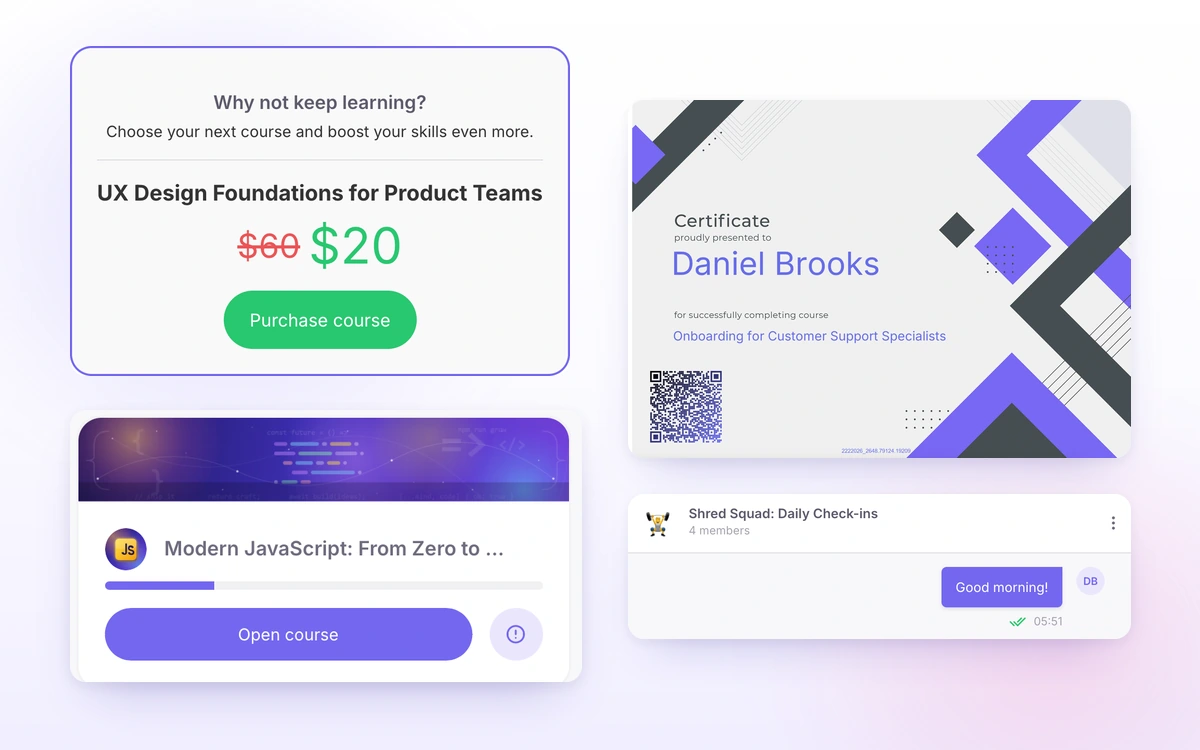
- Certificates of completion that anyone can verify
- Learning analytics and CSV exports
- Messenger, school feed and support requests from students
- A knowledge base builder for your students
Who it's for
Who is the Softbook LMS for?
For those who teach people outside their own team and want to see the result: online schools, creators and companies that train customers or partners on their product. Everyone gets the same set of tools; the difference is which ones you switch on.
- Online schools: cohorts, a teaching team with roles, sales and a CRM
- Creators and teachers: your own course without a technical team
- Customer and partner training: product courses, a knowledge base and certificates after training
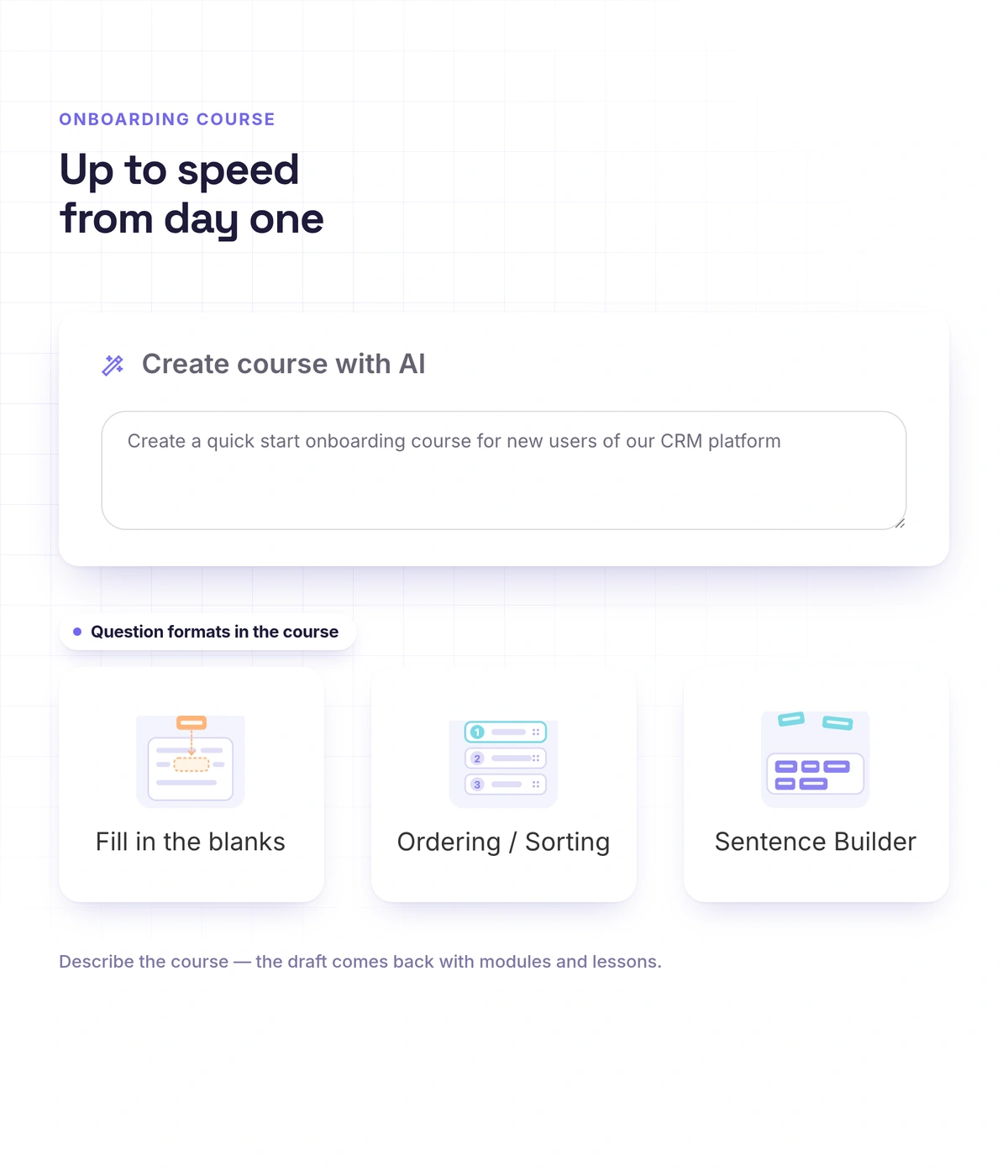
- Language schools: voice answers in assignments and quizzes where students build sentences
Organizing learning
How does an LMS manage access and pace?
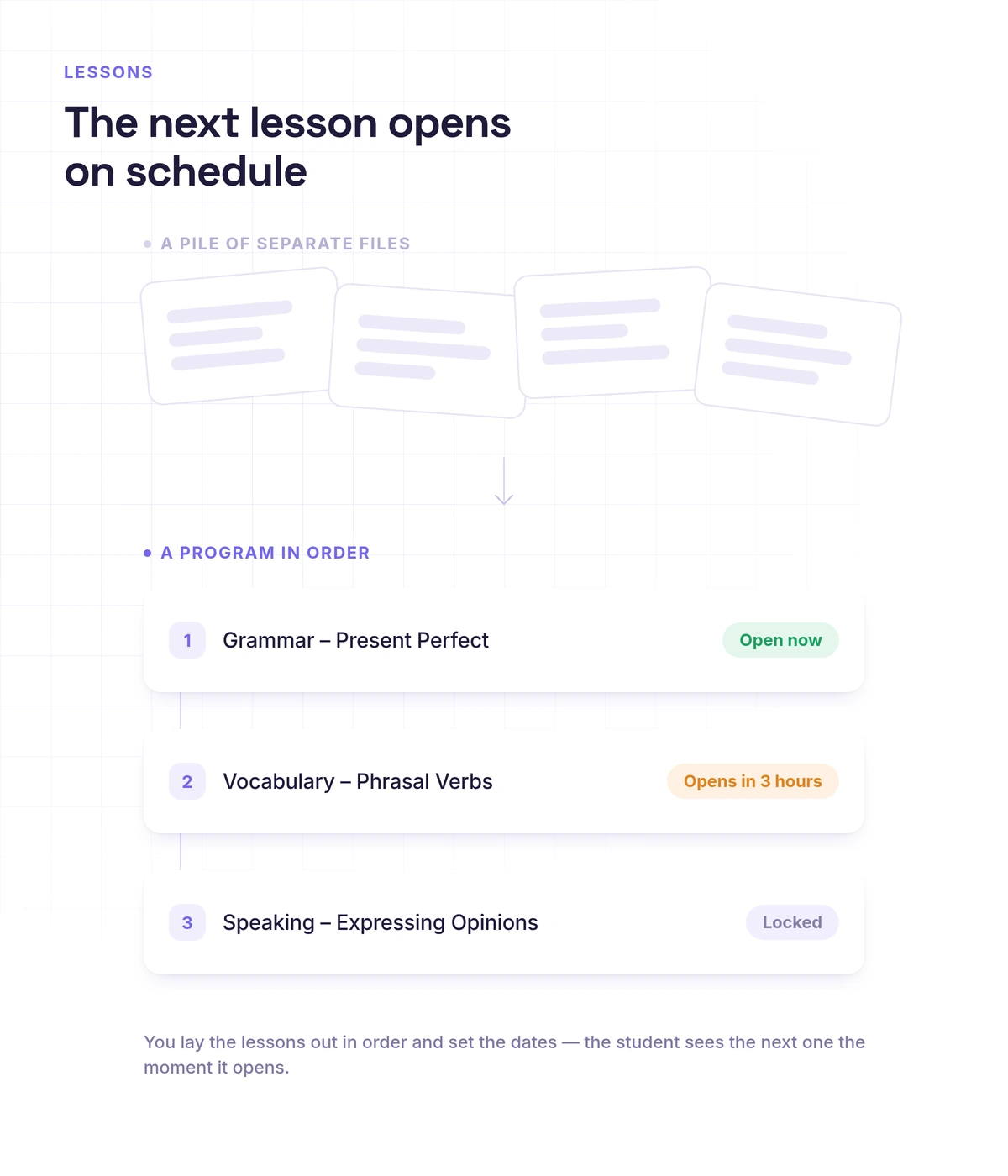
By rules you set once. Students are split into groups, each group has its own schedule, and lessons open on set dates or a set time after the previous one. With sequential progress switched on, a student doesn't move on until the current step is done.
- Student import from CSV or TXT, up to 500 at a time
- Lessons on fixed dates or released after minutes, hours or days
- Required viewing of every step in a lesson
- Course access period, and assignments locked after the course ends
- Bulk group actions: enroll, remove, create a group chat
- Automations: a learning event triggers an email, a message or enrollment in the next course
Progress
How do you see each student's progress?
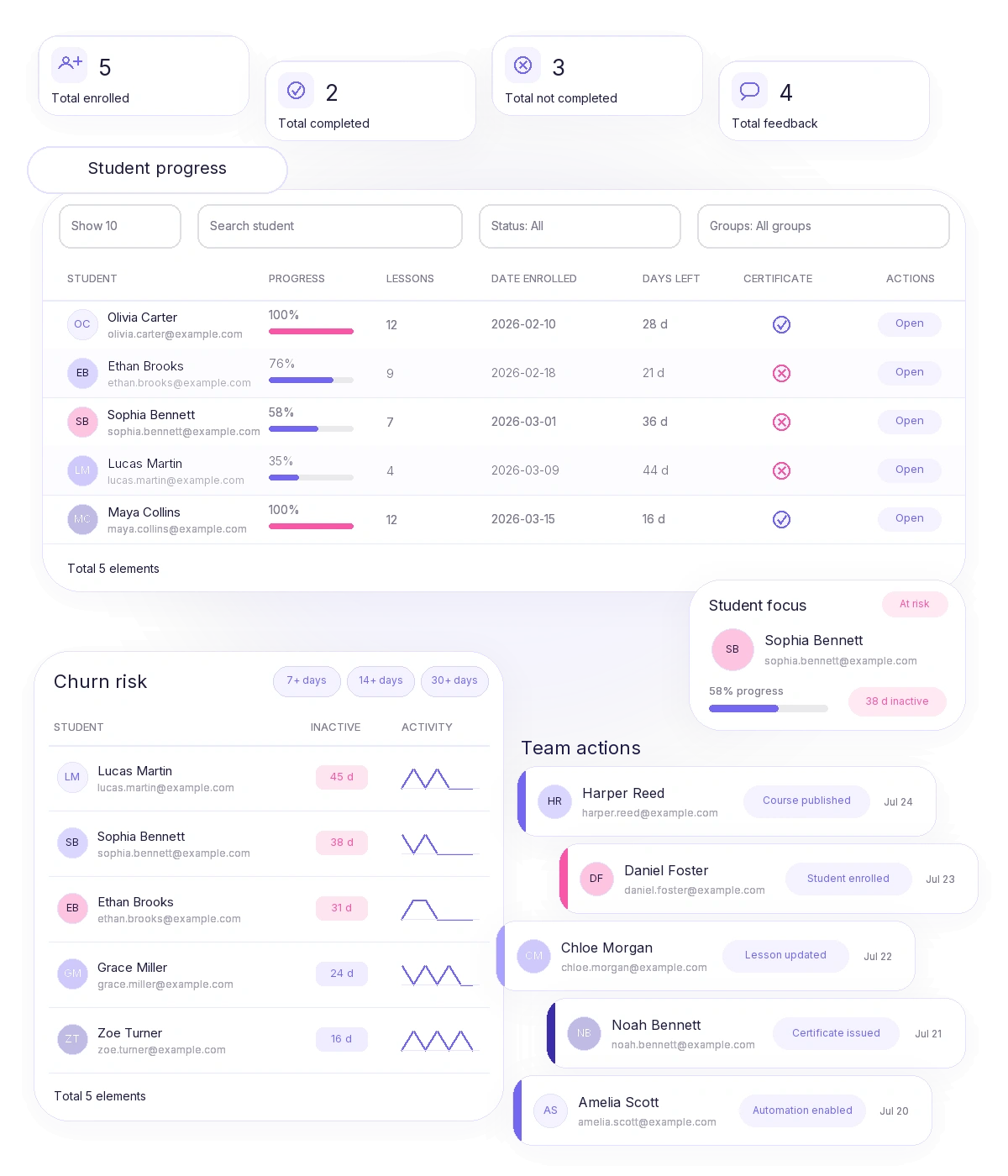
In course and lesson analytics: progress for every student, with filters and CSV export. Overall learning analytics shows dropout risk, problem lessons, cohort retention and an activity heatmap, so you see where the course loses people and fix that spot.
- Dropout risk: students inactive for 7, 14 or 30+ days
- Course funnel: the lesson where students stop
- Weekly cohort retention
- Quiz statistics for every answer option
- A dashboard builder with access for a specific role or person
- A team action log, visible to the owner
Mobile app
Does an LMS need a mobile app?
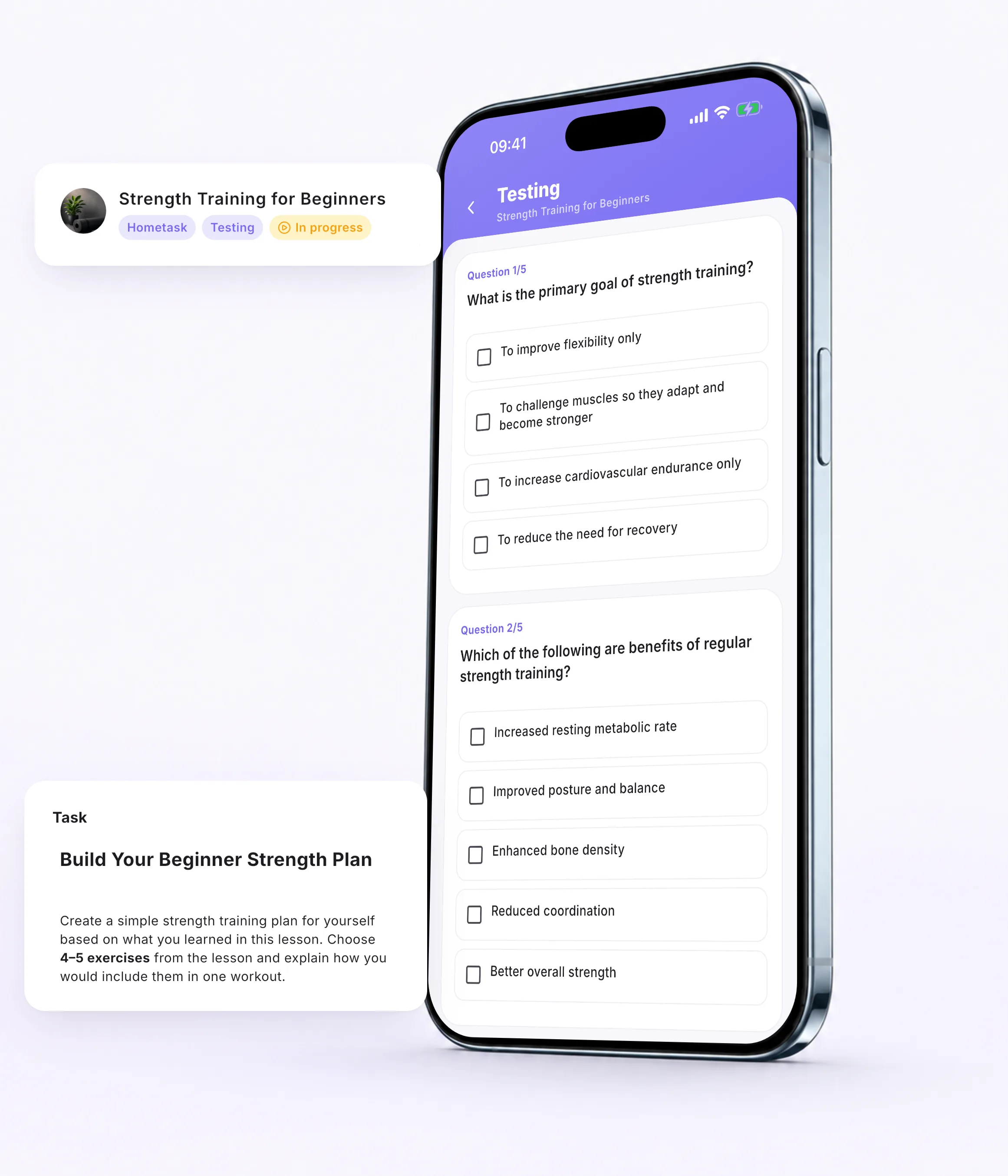
If your students learn on their phones, yes. The Softbook app for iOS and Android works for both sides: the student takes lessons, quizzes and assignments, and the teacher reviews work and replies in chat. Everything stays in sync with the web version.
- Lessons with video, audio, PDFs and Wordwall tasks
- Drag-and-drop quiz tasks with a familiar touch gesture
- On iPhone, the quiz timer shows on the lock screen and in the Dynamic Island
- Voice answers in assignments
- The school can set app videos so screen recording doesn't capture them, which makes a paid course harder to pass around
- Push notifications about messages, reviewed assignments and classes
How to choose
What to look for when choosing an LMS platform
How it behaves as the number of students grows, and how many tools you'll have to buy alongside it. These points show that before you've moved anyone.
- Student limits: Softbook has none, on any plan
- What's already inside: quizzes, certificates, campaigns, a CRM and analytics with no separate subscriptions
- A start without code: a school with a course and payment collection is technically live in 15 minutes
- A mobile app for students on iOS and Android
- Interface language: the platform works in eight languages
- Integrations: an API and webhooks for your systems
Real schools. Real results. Real people.
Founders and creators on what works best for them in Softbook.

"We picked Softbook because we needed one platform for selling courses and managing students. What we value most: video uploads, clear pricing with no surprises, and support that actually listens and acts."
Mike Pritula
Mike Pritula Academy

"The team moved all my lessons over by hand — I have no idea how I would have done it myself. They were careful about it. They keep improving the platform, they listen to what you ask for, and they genuinely look after every client."
Tanya Mykhalchenko
PPC advertising school

"Before we switched, we tried selling video lessons through Instagram, but without an admin it was impossible. Here I uploaded the courses, set up automatic payments — and the system runs itself. The courses bring in steady income without me being involved every day."
Olga Miller
Director, recruiting school

"We built a big knowledge base for our students on Softbook. No more 'live' sessions with speakers — everything is recorded and laid out in modules with tests and assignments. Our instructional designers can finally breathe."
Alexey Dinar
Personal coach
"Your platform solved a problem I had been struggling with for a long time. I uploaded a few courses, set up automatic payments — and stopped worrying about the technical side. I can see the courses selling and bringing in income every month."
Alla
Massage therapist

"Softbook let us scale our cleaning school into new regions with no extra spend on technology."
Yevhen Sukharev
Founder, Kyiv School of Cleaning

"In two years with Softbook we have built a full agency with an education arm. The platform covers everything we need."
Myroslav Liaskovets
Founder, LeadMarketing
Questions about the LMS platform
A system where you create courses, give people access to them and track how they learn. The student sees their lessons and assignments; you see progress, grades and who is falling behind.
More in name than in substance: both terms describe a system where courses are created and taken. "Online course platform" is used more often for services with sales built in, "LMS" for systems focused on tracking learning. Softbook covers both. Online course platform
Softbook has a fixed monthly or annual price with no fee per student: students are unlimited on every plan. Current plans are on the pricing page.
You can use Softbook free for 30 days with no card, with every platform feature open. After that, it's the fixed price of a plan with no charge per student.
No. Courses, groups and schedules are set up in the dashboard, and a school with a course and payment collection is technically live in 15 minutes. If you want to connect your own systems, there's an API and webhooks.
Yes. You create courses about your product and a knowledge base, and issue certificates after training. Customer training on Softbook
The Softbook team can move your courses, lessons, students and materials for you, or you do it yourself with instructions from Softbook Care. Migration terms
Yes. Payments, access after payment, subscriptions and a CRM work in the same dashboard, with no sales commission. Selling online courses
Try the Softbook LMS platform
30 days free, no card. Courses, quizzes, certificates, analytics and a mobile app — in one system.