Webinar platform for an online school: a selling broadcast inside your own school
Softbook webinars are a broadcast page inside your own school: a stream from YouTube or Zoom, slides from your own PDF, a moderated chat, access by course and group, and an offer button you bring up at the moment of the broadcast you choose.
- We don't cap the audience
- The offer button on your cue
- 30 days free
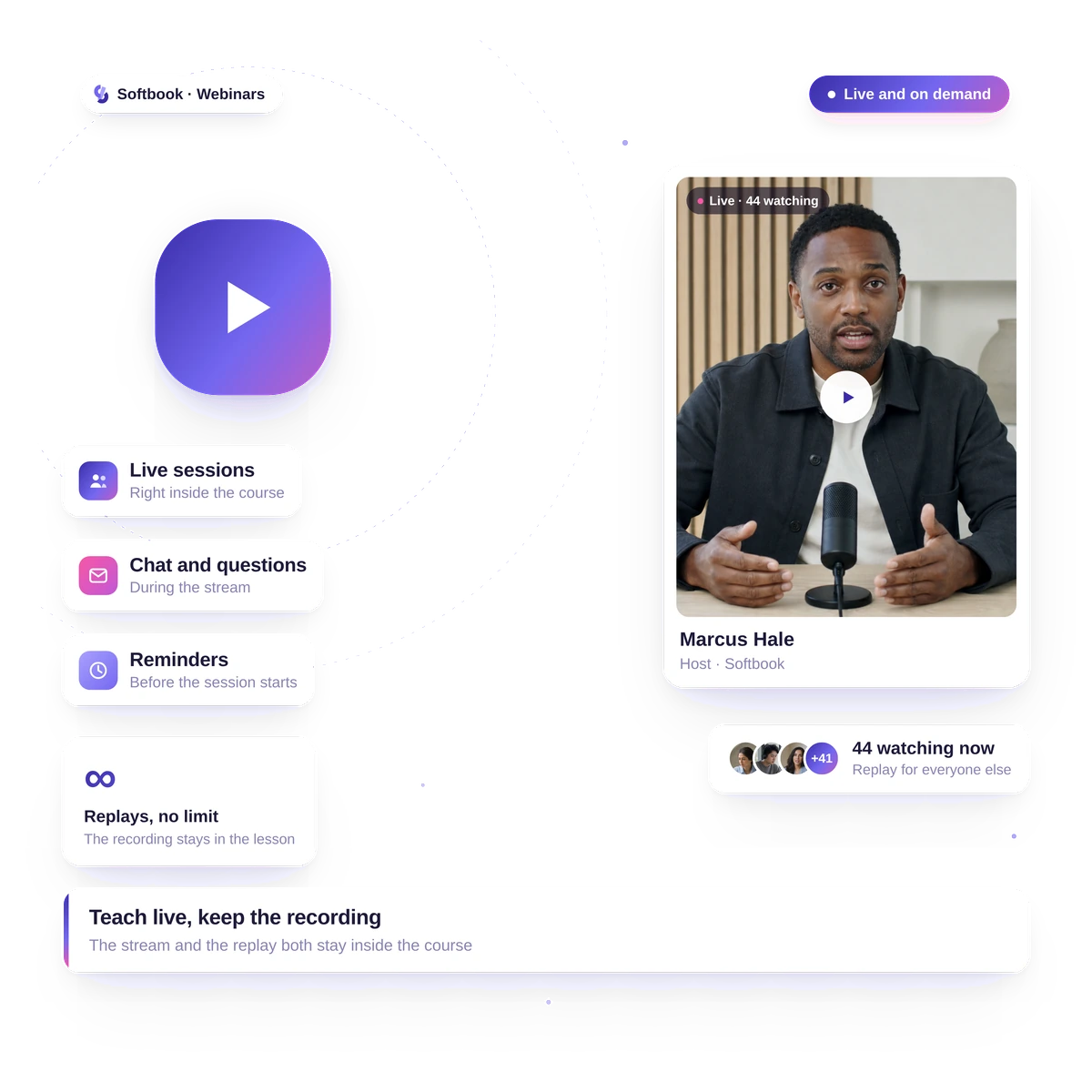
The webinar used to live in one service, the course in another and the payment in a third. Now the broadcast, the access, and the offer are on one page of your school.
YouTube broadcast
A YouTube broadcast: as many viewers as turn up
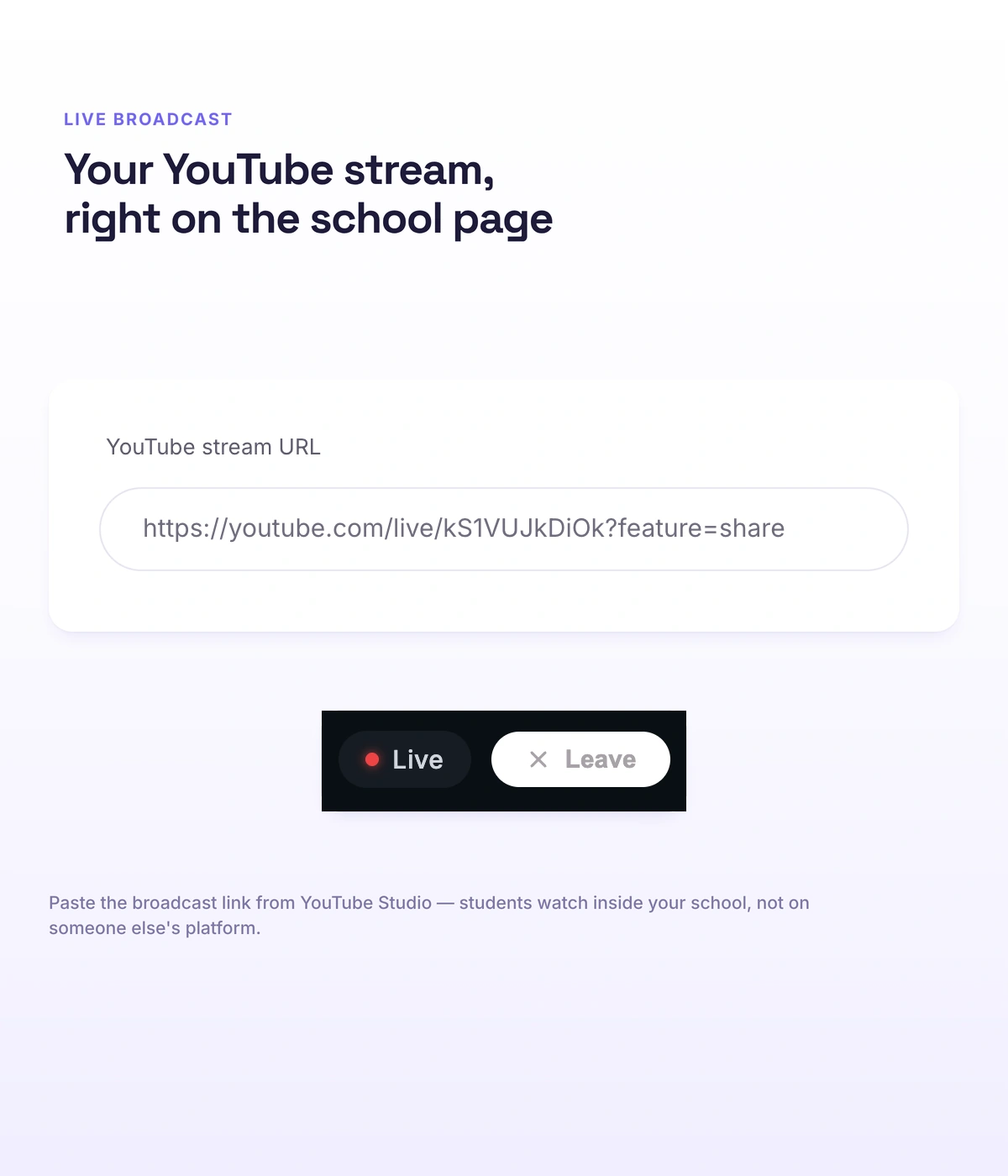
A big broadcast doesn't cost more than a small one: you don't run into a participant limit and you don't pay for a separate webinar platform. Pasting the stream link is enough — you don't need to connect a YouTube channel separately, and YouTube itself carries the stream.
- A stream link — and the broadcast is on your school's page; no channel to connect
- Stream from wherever suits you: OBS, Streamyard, YouTube Studio or the YouTube mobile app
- YouTube carries the stream — the platform doesn't cap the number of viewers
Slides
Slides — from your PDF, automatically
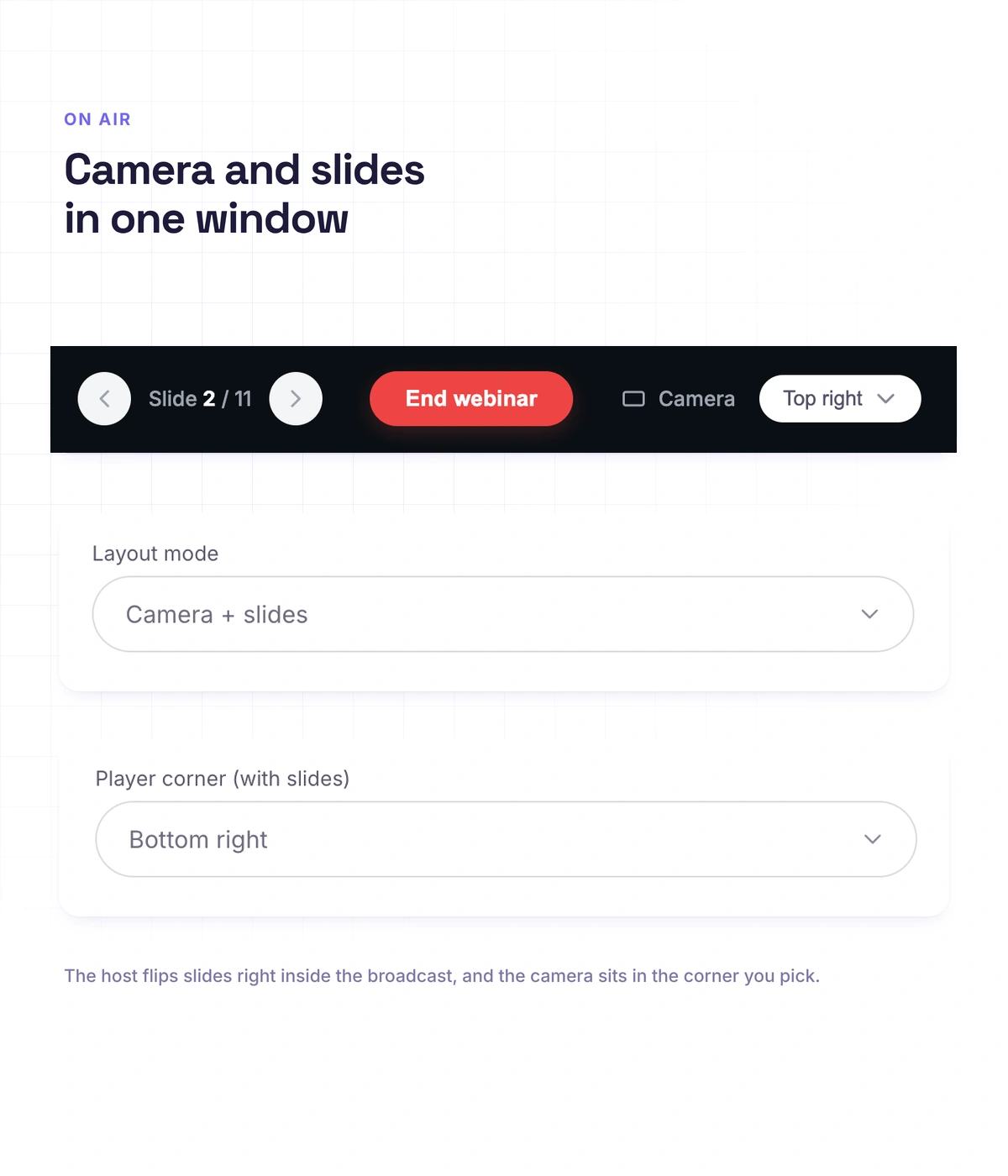
You don't need to prepare a deck specially for the webinar, and you don't need to share your screen — you take the same PDF you already have. The platform cuts it into slides itself, the host clicks through, and the slide changes for every viewer at the same time.
- The PDF is cut into slides automatically
- The host clicks through — the slide changes for every viewer at once
- Two modes: camera only, or camera plus slides; the host's window sits in any of the four corners
- Honestly: only PDF is supported — video and animation inside a PDF won't play
Offer
The offer button — on your cue
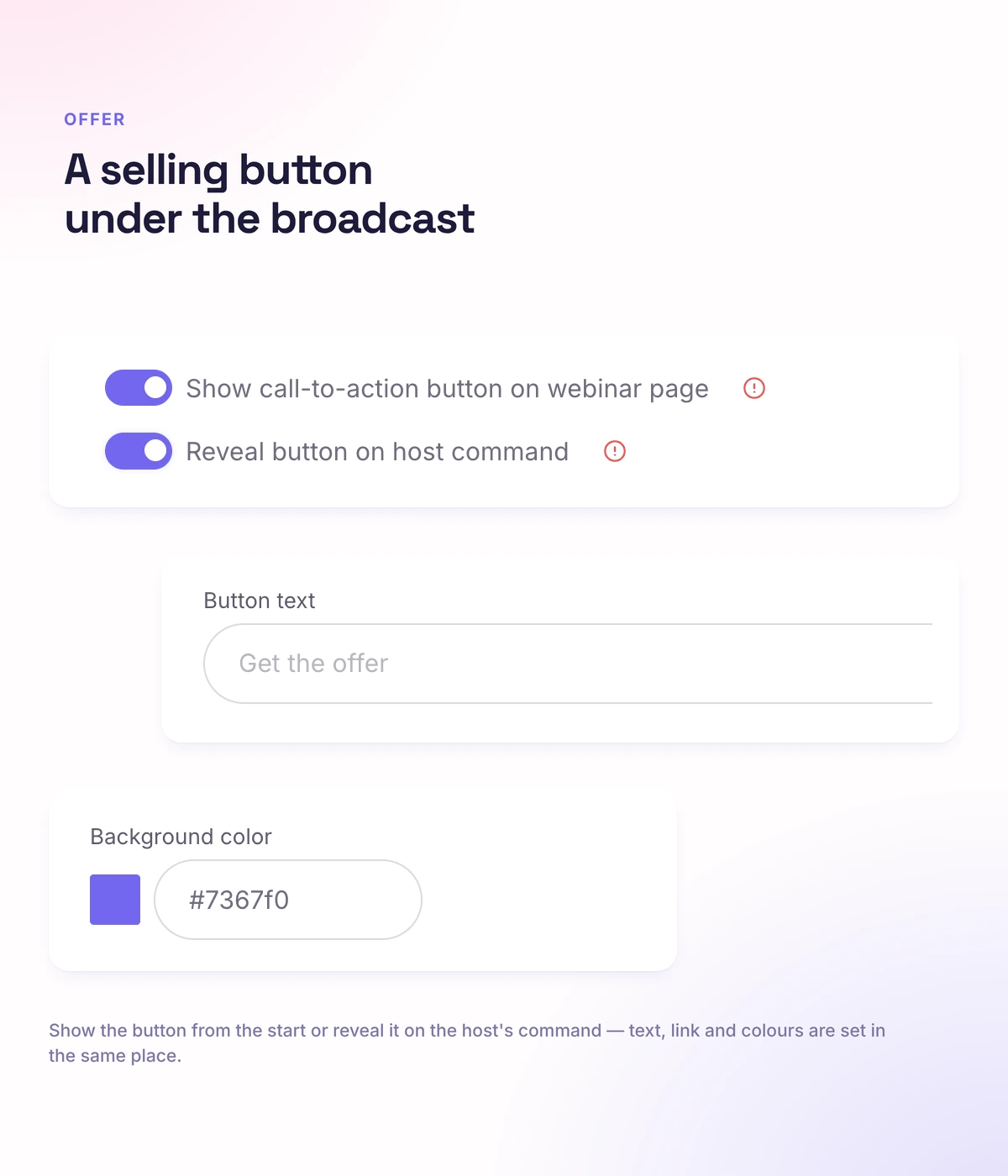
This is the mechanic of a selling webinar: the offer arrives at the peak, once you've led up to it, instead of getting in the viewer's way at the start. Under the webinar sits a CTA button with your text, your link and your colors; turn on "show only on the host's cue" and the button appears at exactly the right moment.
- A button under the broadcast: your text, your link, your colors
- A "show only on the host's cue" option
- The button doesn't hang there the whole broadcast — it appears once you've led up to it
Access
Who gets into the broadcast is up to you
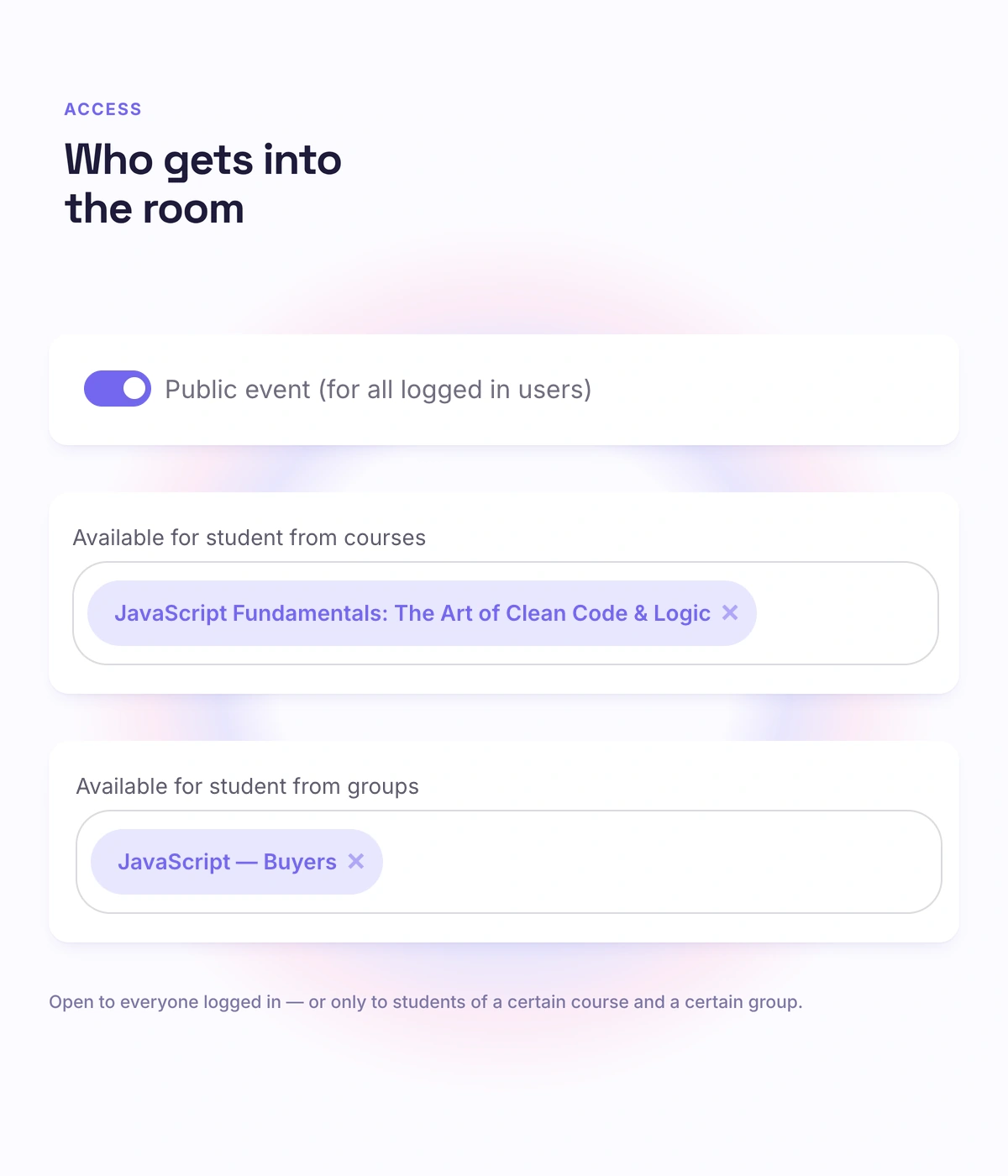
A closed session for buyers and an open webinar for cold traffic — with the same tool, and no second service. Access is set publicly, only for students on chosen courses, or only for chosen groups, and the conditions can be combined; the broadcast page counts down to the start.
- Public access, access by course, access by group — and they can be combined
- A countdown to the start right on the broadcast page
Chat
Chat, moderators and a viewer counter
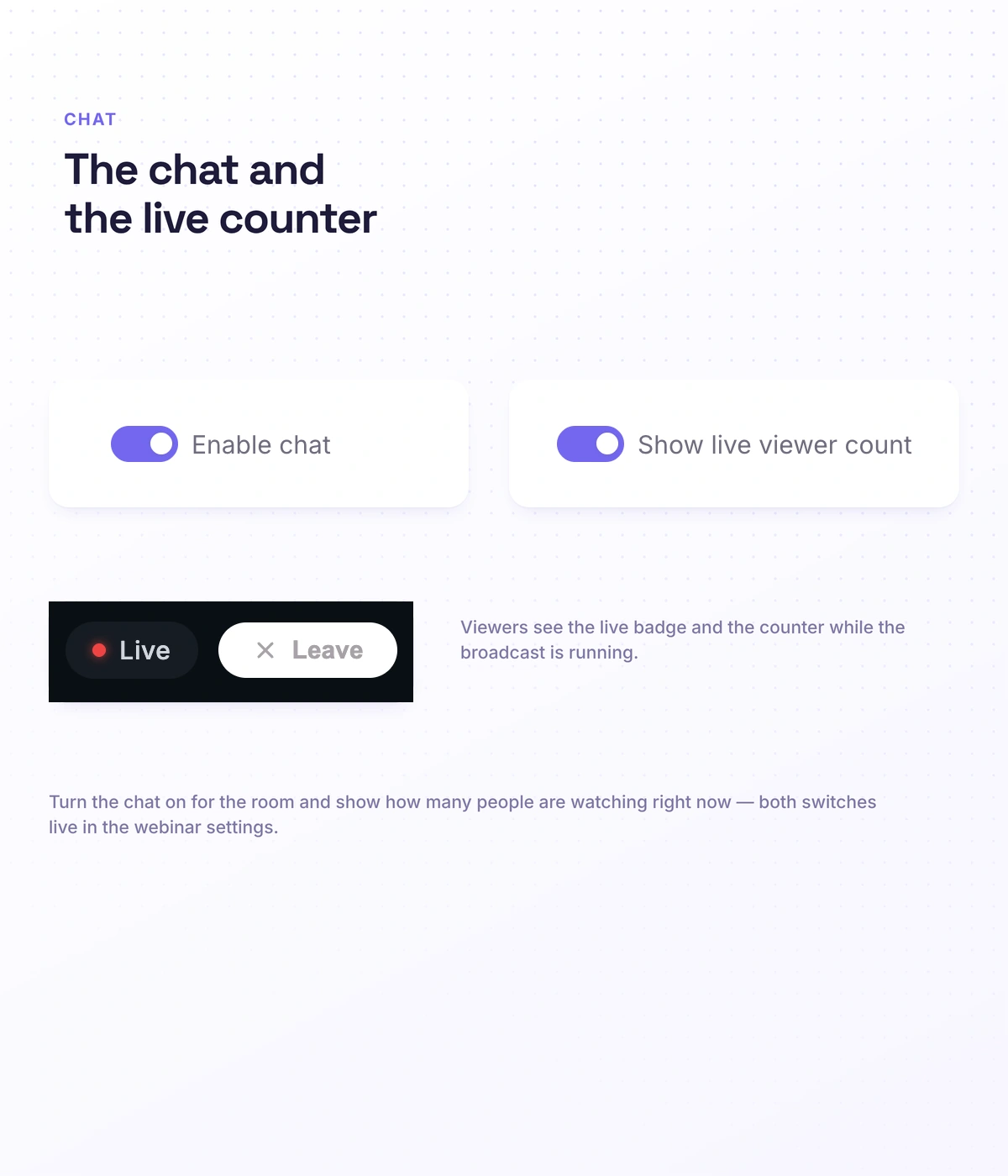
You run the broadcast while your team holds the chat — questions don't sink, and trolling doesn't derail the stream. The chat can be switched on and off, moderators from your school's team run it during the broadcast, and hosts — also from your school's team — get control of the broadcast.
- The chat can be switched on or off
- Moderators from your team run the chat during the broadcast
- A viewer counter is visible
Zoom
Zoom — when you need a conversation, not a lecture
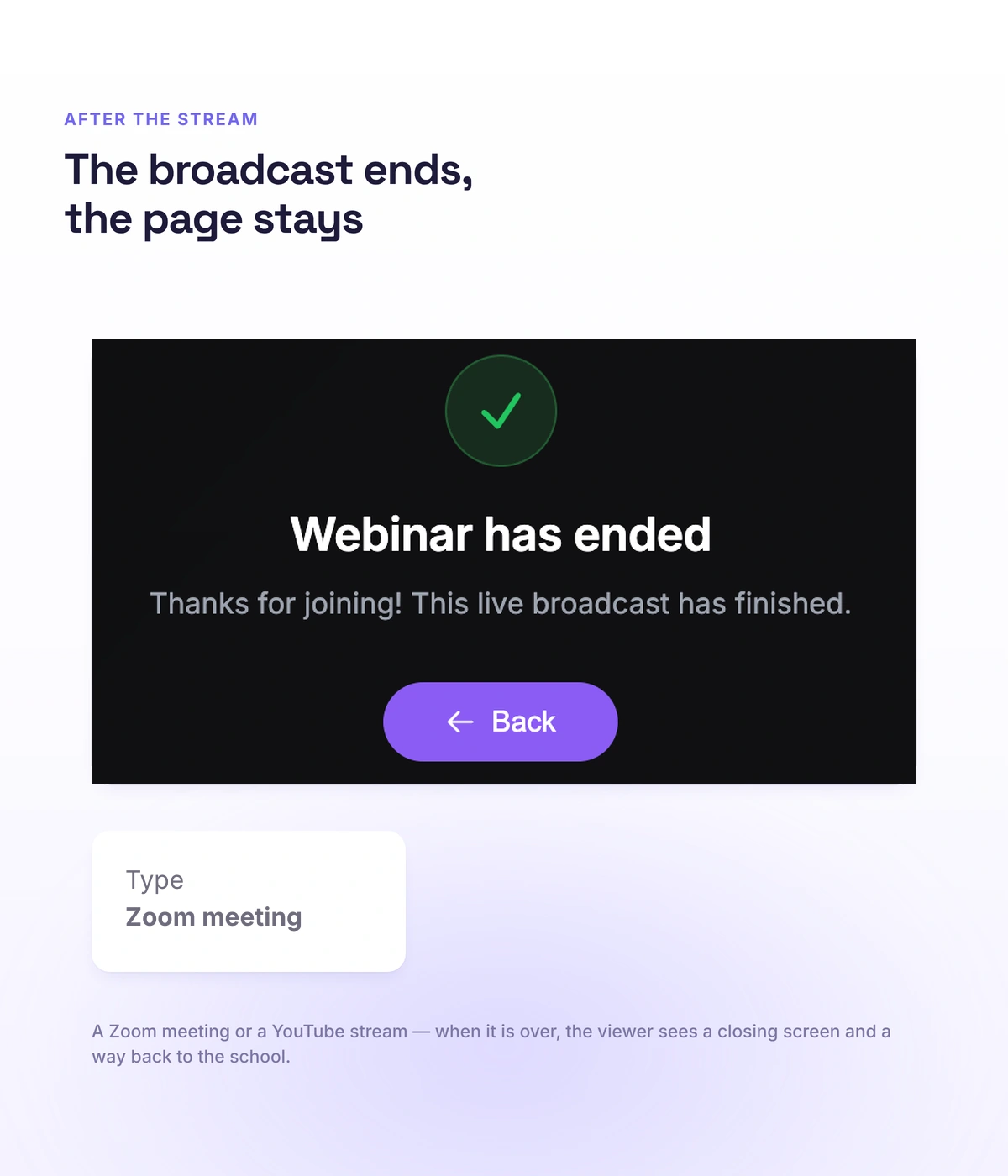
The broadcast doesn't end in nothing: a person who watched to the end lands straight where the buying happens. In a meeting everyone turns on cameras and microphones and talks; in a webinar only the speakers talk. Access is set by course and group the same way, and once the broadcast ends students are sent automatically to a URL you specify.
- Meeting: cameras and microphones for everyone — for a discussion and a working session
- Webinar: the speakers talk, everyone else watches — for a large audience
- A URL after the broadcast: the student is taken automatically to a payment page, to a course with bonuses or to a feedback form
- Honestly: a Zoom recording is moved into the course by hand — there's no automatic transfer
Real schools. Real results. Real people.
Founders and creators on what works best for them in Softbook.

"We picked Softbook because we needed one platform for selling courses and managing students. What we value most: video uploads, clear pricing with no surprises, and support that actually listens and acts."
Mike Pritula
Mike Pritula Academy

"The team moved all my lessons over by hand — I have no idea how I would have done it myself. They were careful about it. They keep improving the platform, they listen to what you ask for, and they genuinely look after every client."
Tanya Mykhalchenko
PPC advertising school
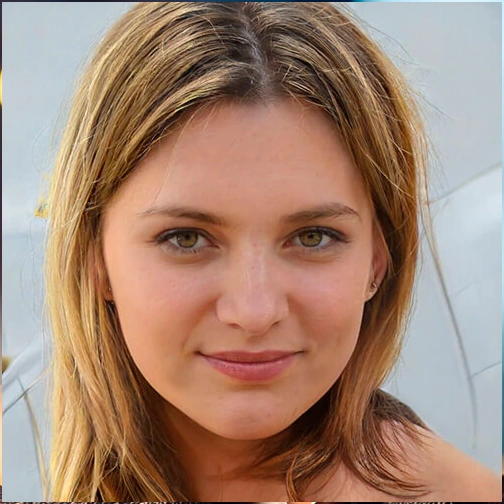
"Before we switched, we tried selling video lessons through Instagram, but without an admin it was impossible. Here I uploaded the courses, set up automatic payments — and the system runs itself. The courses bring in steady income without me being involved every day."
Olga Miller
Director, recruiting school

"We built a big knowledge base for our students on Softbook. No more 'live' sessions with speakers — everything is recorded and laid out in modules with tests and assignments. Our instructional designers can finally breathe."
Alexey Dinar
Personal coach
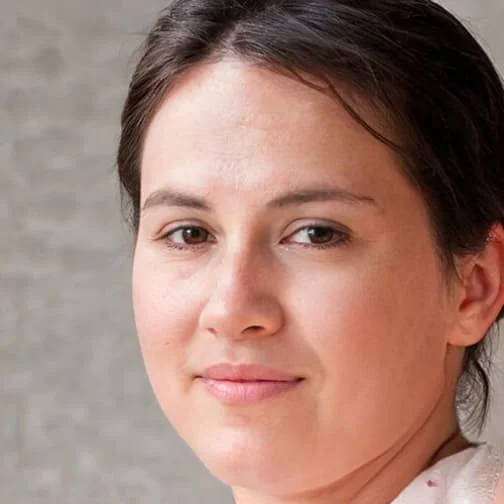
"Your platform solved a problem I had been struggling with for a long time. I uploaded a few courses, set up automatic payments — and stopped worrying about the technical side. I can see the courses selling and bringing in income every month."
Alla
Massage therapist

"Softbook let us scale our cleaning school into new regions with no extra spend on technology."
Yevhen Sukharev
Founder, Kyiv School of Cleaning
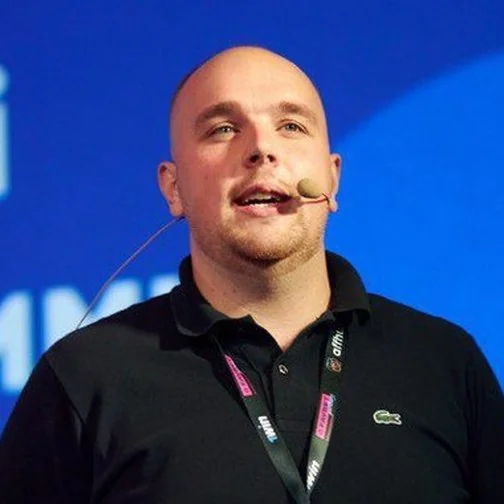
"In two years with Softbook we have built a full agency with an education arm. The platform covers everything we need."
Myroslav Liaskovets
Founder, LeadMarketing
Questions about webinars
YouTube carries the stream, so the platform doesn't cap the number of viewers — a big broadcast doesn't cost more than a small one.
No. Pasting the stream link is enough — the broadcast will appear on your school's page.
Yes. There's a CTA button under the webinar, and it can be shown only on the host's cue — it will appear exactly when you've led up to it.
Zoom is for conversation: participants turn on cameras and microphones. YouTube is for a large audience: everyone watches, the speaker talks.
Yes. Access is set by course and group, and the conditions can be combined; the broadcast can also be made public.
PDF — the platform will cut it into slides itself. Video and animation inside a PDF won't play.
Run a webinar in your own school
30 days free, no card. The broadcast, the access and the offer on one page, with no separate webinar platform.