
A landing page builder for courses that sell
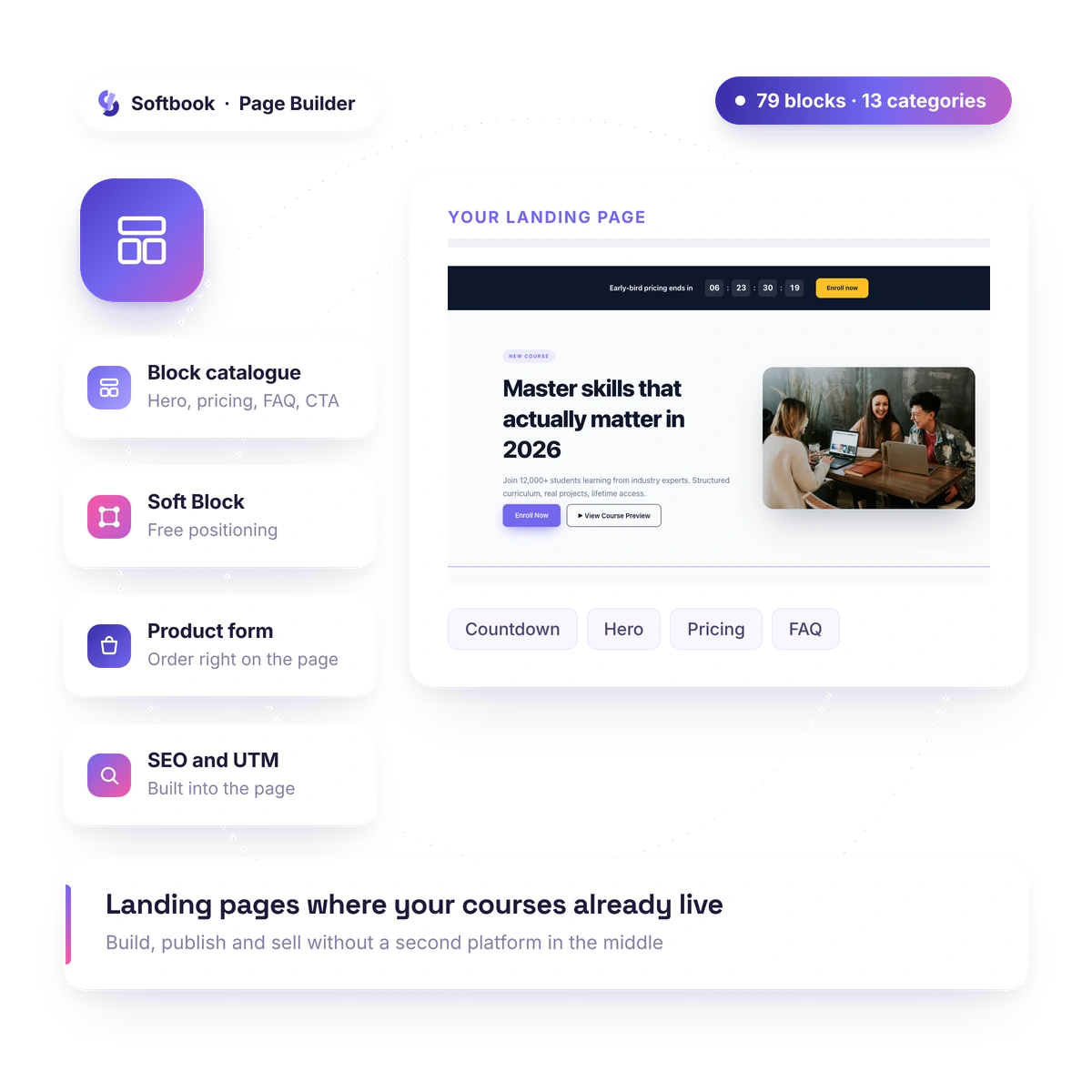
The Softbook page builder is an editor where landing, registration and sales pages come together with the mouse, without layout work, and the order form sits right inside the page.
- No code, no layout work
- Checkout on one screen
- 30 days free
Editor
Page editor: build it with the mouse, no layout work
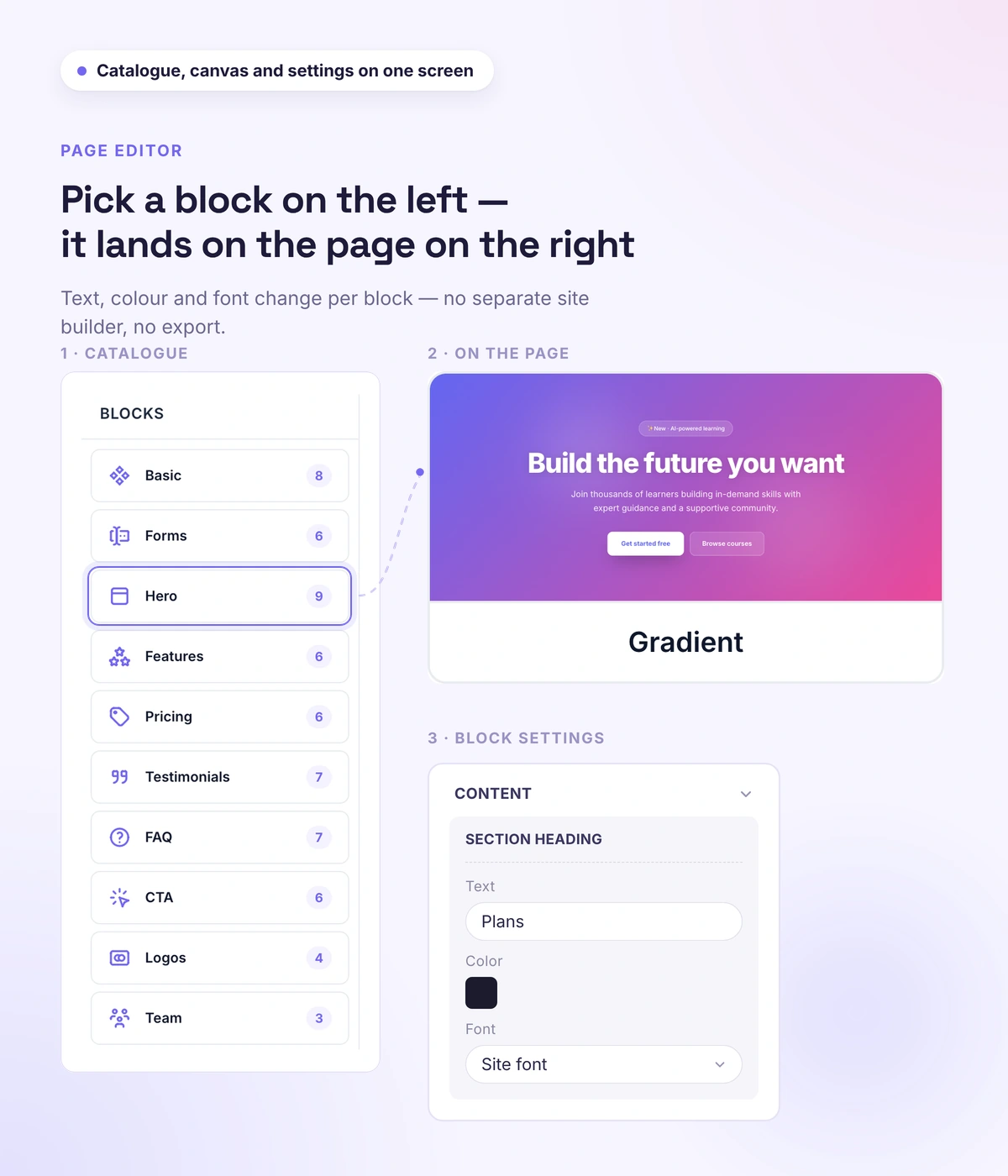
For a landing, registration or sales page — a visual editor with a canvas, a block catalog, and settings on the right. You add blocks, move them with the mouse, and see straight away how the page looks on desktop, tablet and mobile.
- Dozens of ready-made blocks with flexible settings
- Your own block from scratch: elements placed freely, right in the visual editor
- Drag blocks and reorder them with the mouse
- Preview on desktop, tablet and mobile
- Duplicate a block, hide it or set visibility by device type
Payment on the page
The order happens on the page, access happens automatically
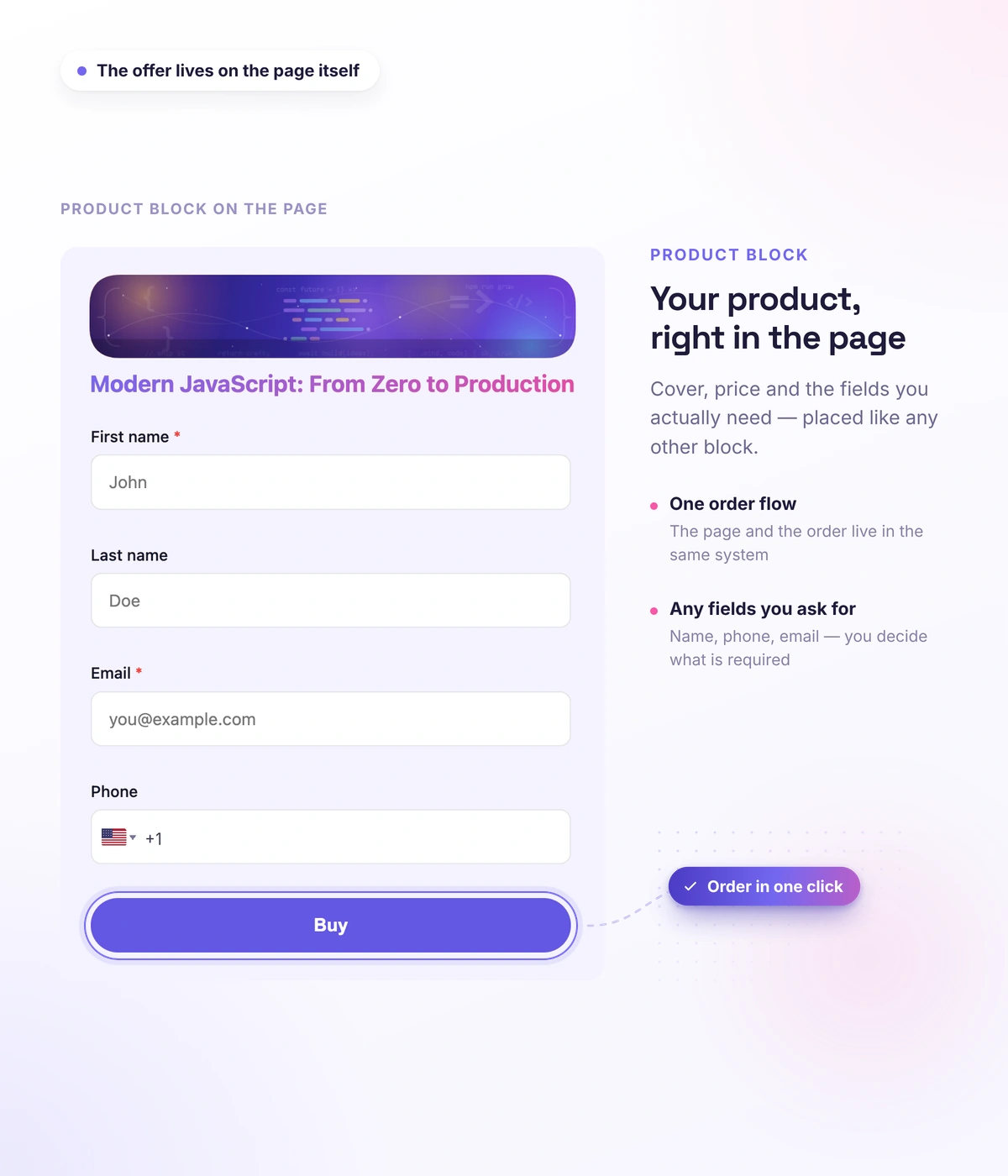
The longer the path to payment, the more people fall off along the way. Here the product form sits right inside the landing page: the student picks a course, enters a promo code and a payment method without leaving the page. After paying, they land in the course — enrollment happens automatically, and nobody has to hand out access.
- A product form linked to a course from your school catalog
- The order is placed on the page — after that, only the payment itself happens at the provider
- Promo code field and choice of payment method
- Recurring charges, if the product is set up for them
- After paying, the student gets access to the course automatically
Precise control
Free positioning: build a screen that isn't off the shelf
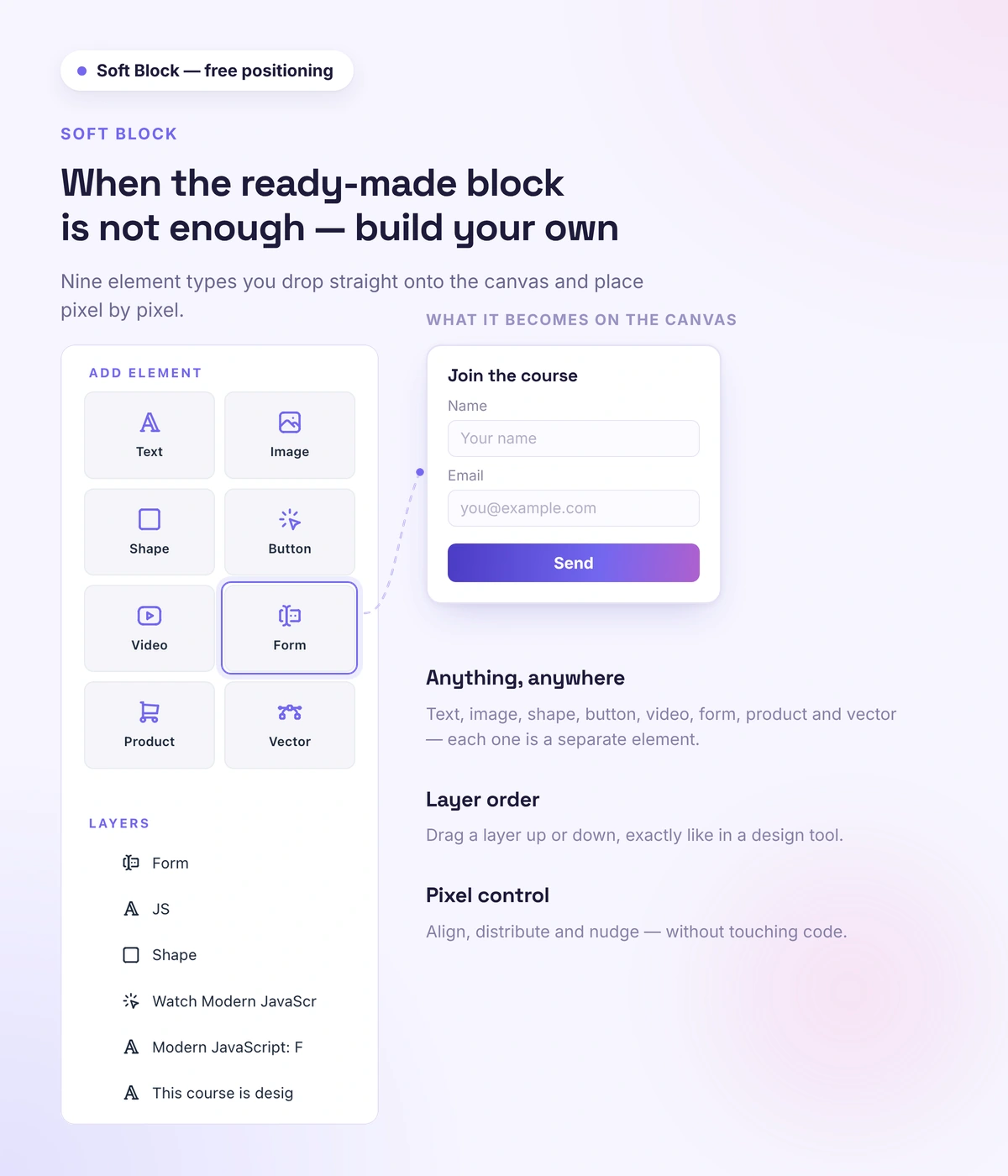
When the standard grid isn't enough, Soft Block gives you full control: place text, images, shapes and buttons anywhere — with the mouse or by exact coordinates.
- Text, images, shapes, buttons and video — anywhere on the canvas
- Exact coordinates, size, rotation and layer order
- Scroll animation and parallax
- Popups and click actions
Blocks
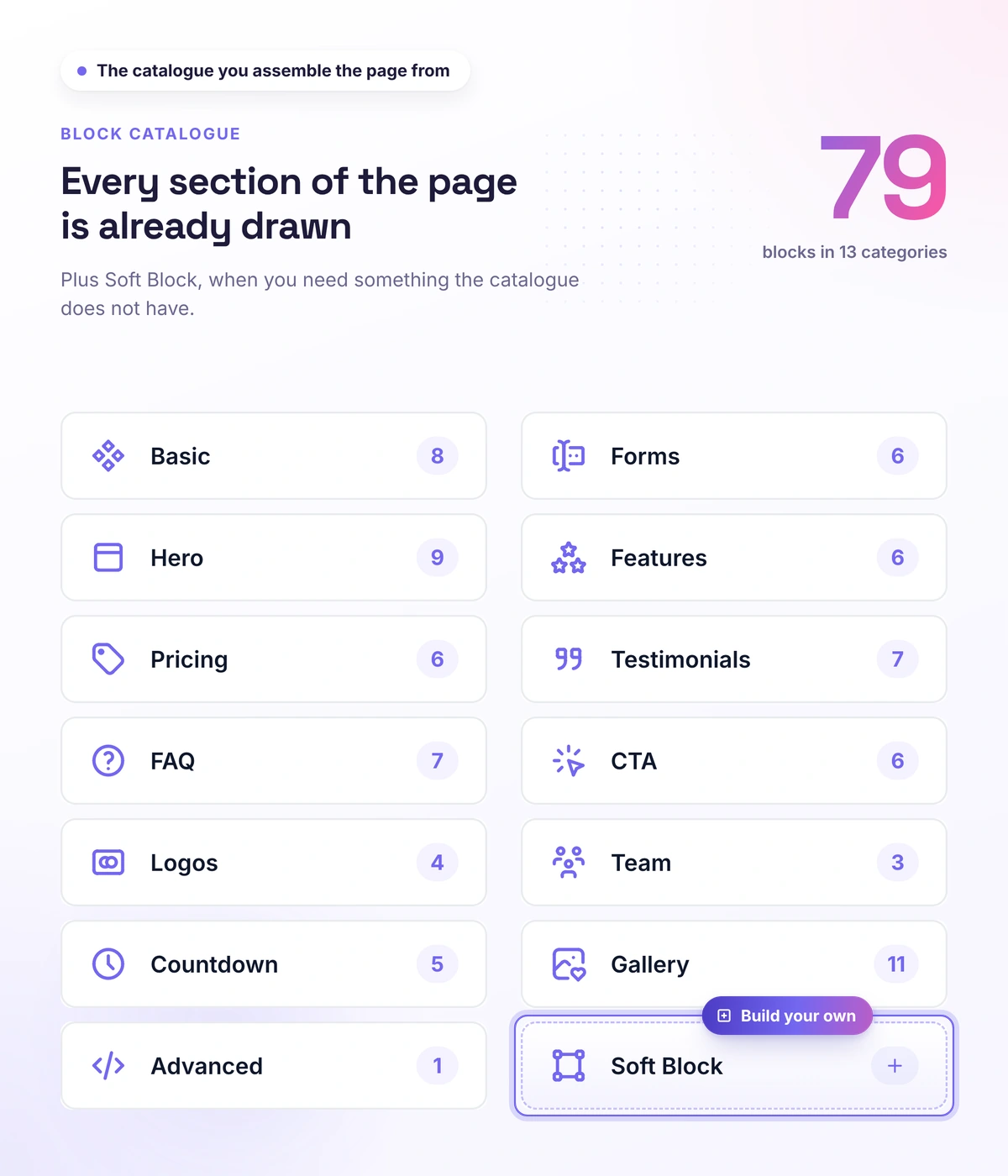
Ready-made blocks for a sales page
You don't build from scratch: the first screen, benefits, plans, reviews, FAQ, calls to action, and promo timers are already there. Blocks that work well, you save and reuse on other pages.
- Hero, benefits, plans, reviews, FAQ, calls to action, promo timers, logos, team, gallery
- A personal library of saved blocks for reuse
- Page templates — handy for building A/B versions
- A product page from a template or your own: four ready templates or build from scratch in the builder; a finished design applies to other products in one action, with no rebuilding
Address and SEO
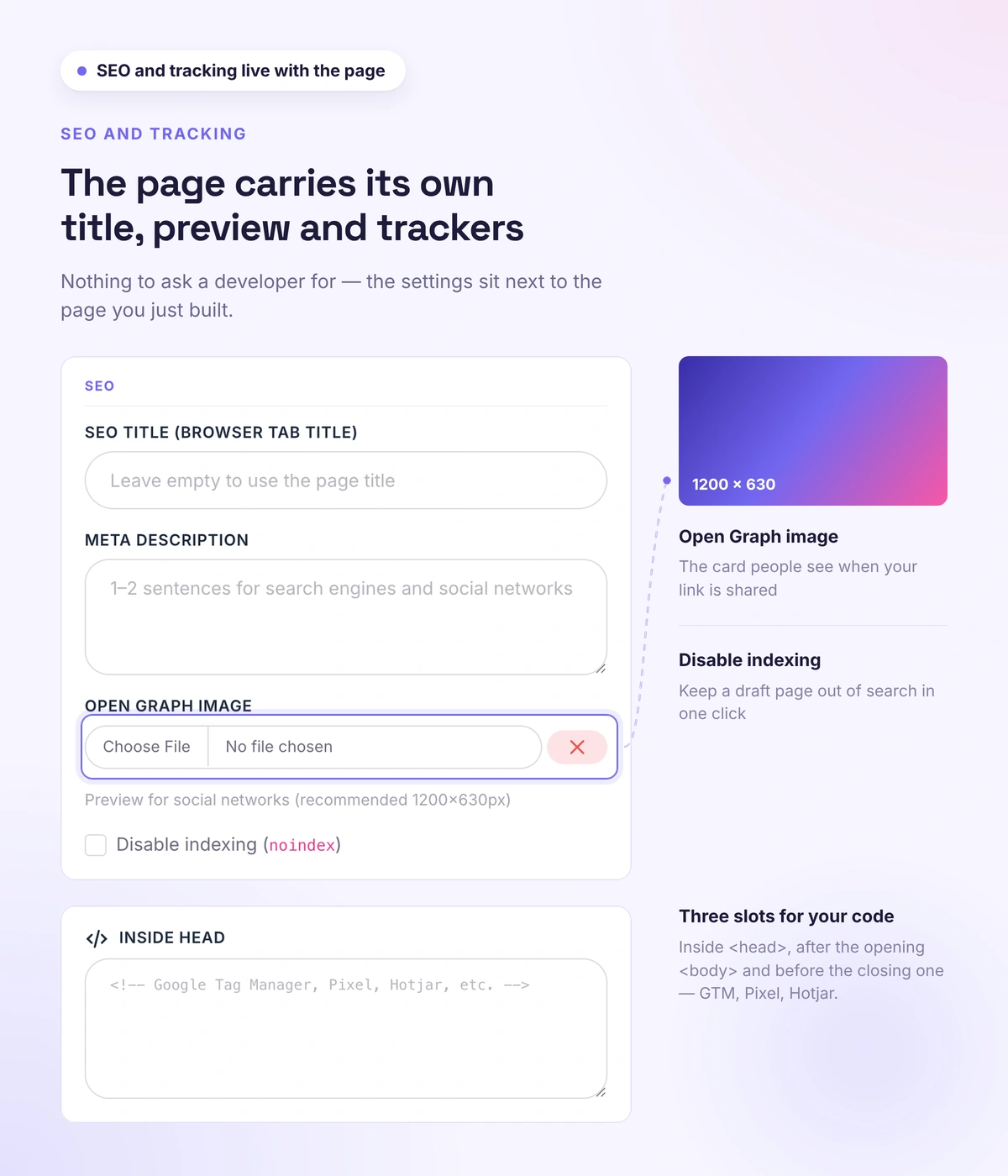
Your address, your SEO, your page tracking
The page lives at your address and looks in search and on social the way you decided — not the way the builder decided for you. Your URL, meta tags and an OG image at page level, indexing you control, and your own analytics code.
- Your own page URL, published in one click
- Page SEO settings: title, description, OG image
- Indexing you control — for closed funnels and private offers
- Your analytics code: Google Analytics, Google Tag Manager, Facebook Pixel
Attribution
Not "200 leads from Facebook," but "Facebook brought in this much money"
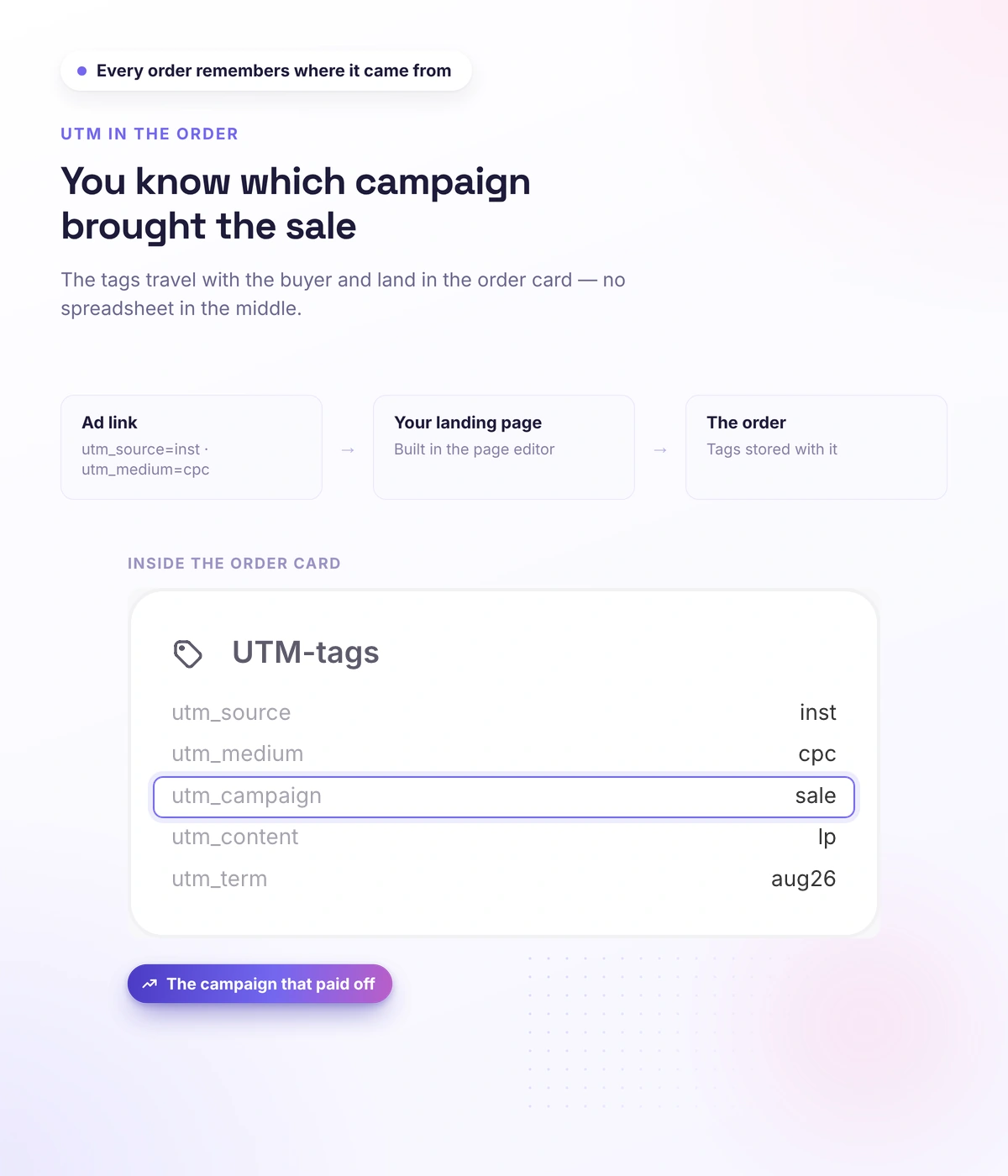
You stop counting leads and start counting revenue by channel: you see not how many came, but how many paid, and the budget moves to where the money is. UTM tags are collected automatically and carry all the way through — into the order card, into the webhook and into hidden form fields.
- Tags are written into the order card automatically
- They go into the webhook — you can tie them to your own analytics
- They fill hidden form fields
- Leads are visible with their source and UTM
Real schools. Real results. Real people.
Founders and creators on what works best for them in Softbook.

"We picked Softbook because we needed one platform for selling courses and managing students. What we value most: video uploads, clear pricing with no surprises, and support that actually listens and acts."
Mike Pritula
Mike Pritula Academy

"The team moved all my lessons over by hand — I have no idea how I would have done it myself. They were careful about it. They keep improving the platform, they listen to what you ask for, and they genuinely look after every client."
Tanya Mykhalchenko
PPC advertising school

"Before we switched, we tried selling video lessons through Instagram, but without an admin it was impossible. Here I uploaded the courses, set up automatic payments — and the system runs itself. The courses bring in steady income without me being involved every day."
Olga Miller
Director, recruiting school

"We built a big knowledge base for our students on Softbook. No more 'live' sessions with speakers — everything is recorded and laid out in modules with tests and assignments. Our instructional designers can finally breathe."
Alexey Dinar
Personal coach

"Your platform solved a problem I had been struggling with for a long time. I uploaded a few courses, set up automatic payments — and stopped worrying about the technical side. I can see the courses selling and bringing in income every month."
Alla
Massage therapist

"Softbook let us scale our cleaning school into new regions with no extra spend on technology."
Yevhen Sukharev
Founder, Kyiv School of Cleaning

"In two years with Softbook we have built a full agency with an education arm. The platform covers everything we need."
Myroslav Liaskovets
Founder, LeadMarketing
Questions about the page builder
No. The page comes together with the mouse in the editor: you add blocks, set them up and publish. No code, no layout work.
Add the "Product" block and link a course from your school catalog. The student places the order on the page and gets access right after paying.
Yes. Blocks that work well are saved to a personal library, and pages can be built from templates — handy for A/B versions.
Yes. Page settings have a "Custom code" block — you paste Google Tag Manager scripts, pixels and trackers into the head or body. And UTM tags from the link are saved in the order card automatically.
Yes. Soft Block gives free positioning: elements can go anywhere, with animation and popups.
Build a sales page for your course
30 days free, no card. Landing, registration and sales pages — in the same platform as your courses.