CRM and sales for an online school: from lead to payment
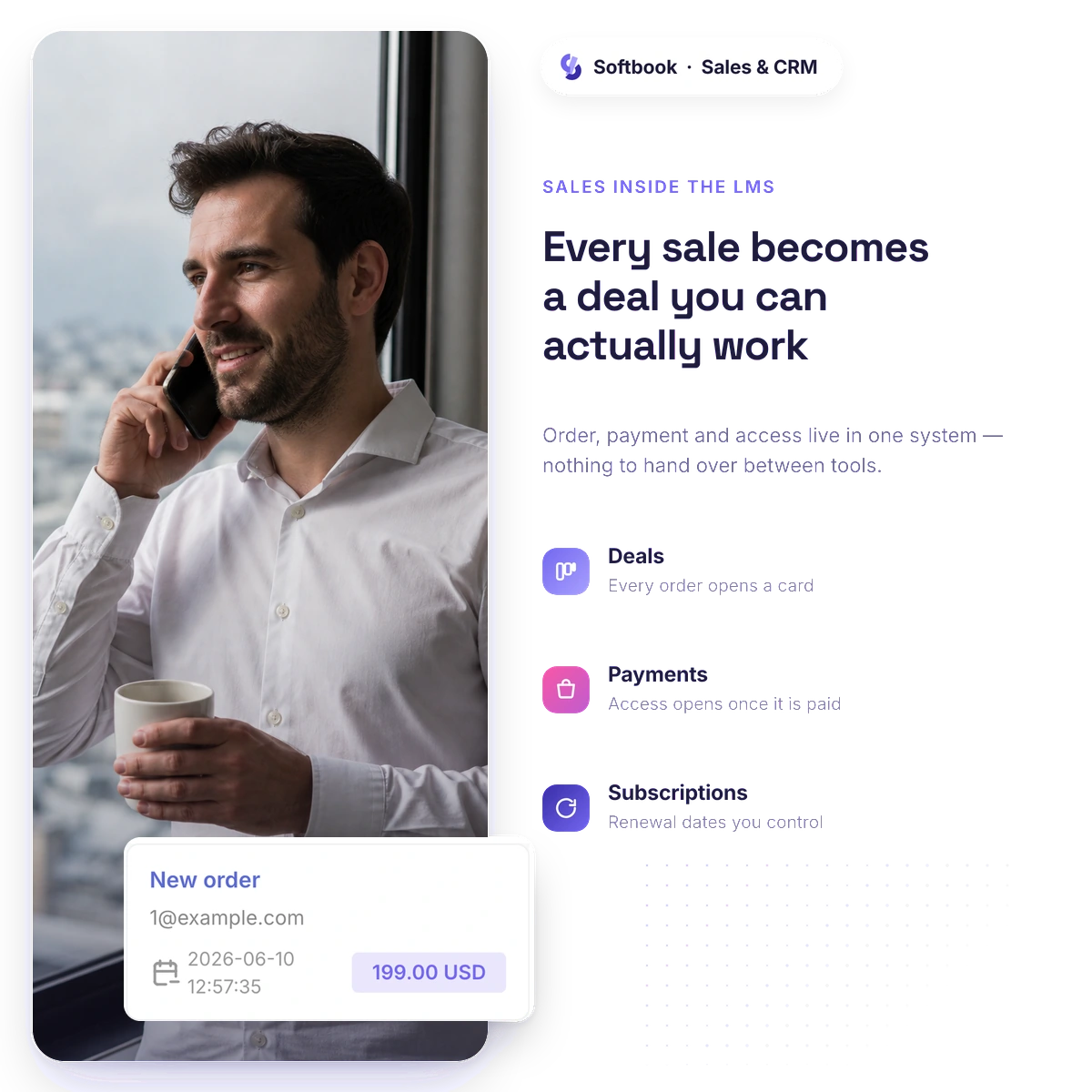
A CRM for an online school keeps contacts, deals and tasks on the same base as students, orders and payments. In Softbook the CRM is built in: a deal is created after an order or after payment and moves through the pipeline stages, and once the payment goes through, the student gets course access and login details automatically.
- CRM and payments in one place
- Access opens on payment
- 30 days free
CRM
CRM and sales pipeline — the whole customer journey in view
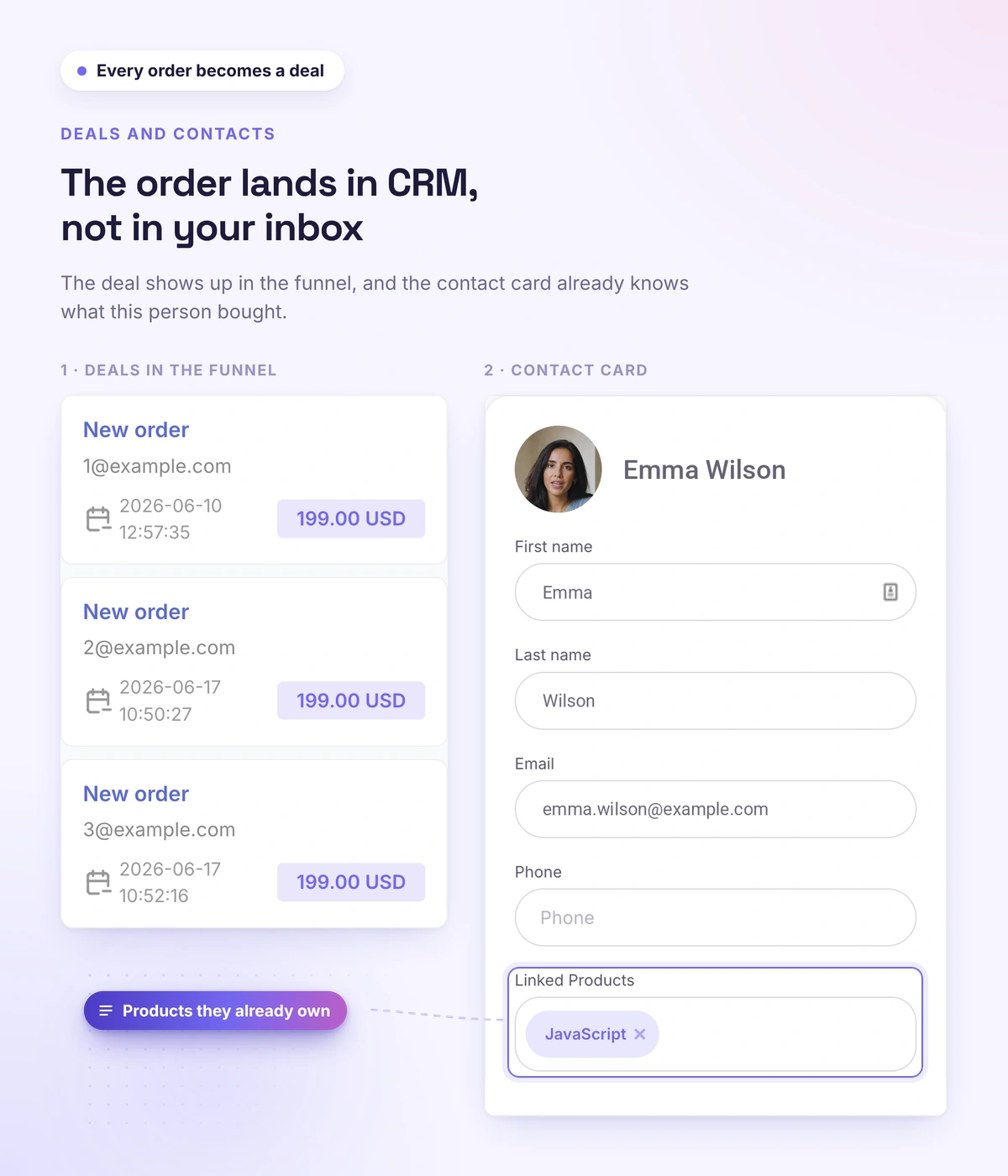
Leads don't get lost: contacts, deals and tasks in one place. Deals move through kanban stages, and a new deal is created automatically — after the order or after the payment, landing straight in the right pipeline stage.
- Contacts with a history of actions for every customer
- Deals on a kanban board with stages you configure
- The deal is created when you want it — after the order or after the payment; you also see the people who filled in the form but never paid
- Several pipelines for different sales processes
- Tasks with owners, deadlines and statuses
- Deals, contacts and tasks are in the iOS and Android app, and a push notification reminds you when a task is due
Products
Products and orders: sell courses, access and bundles
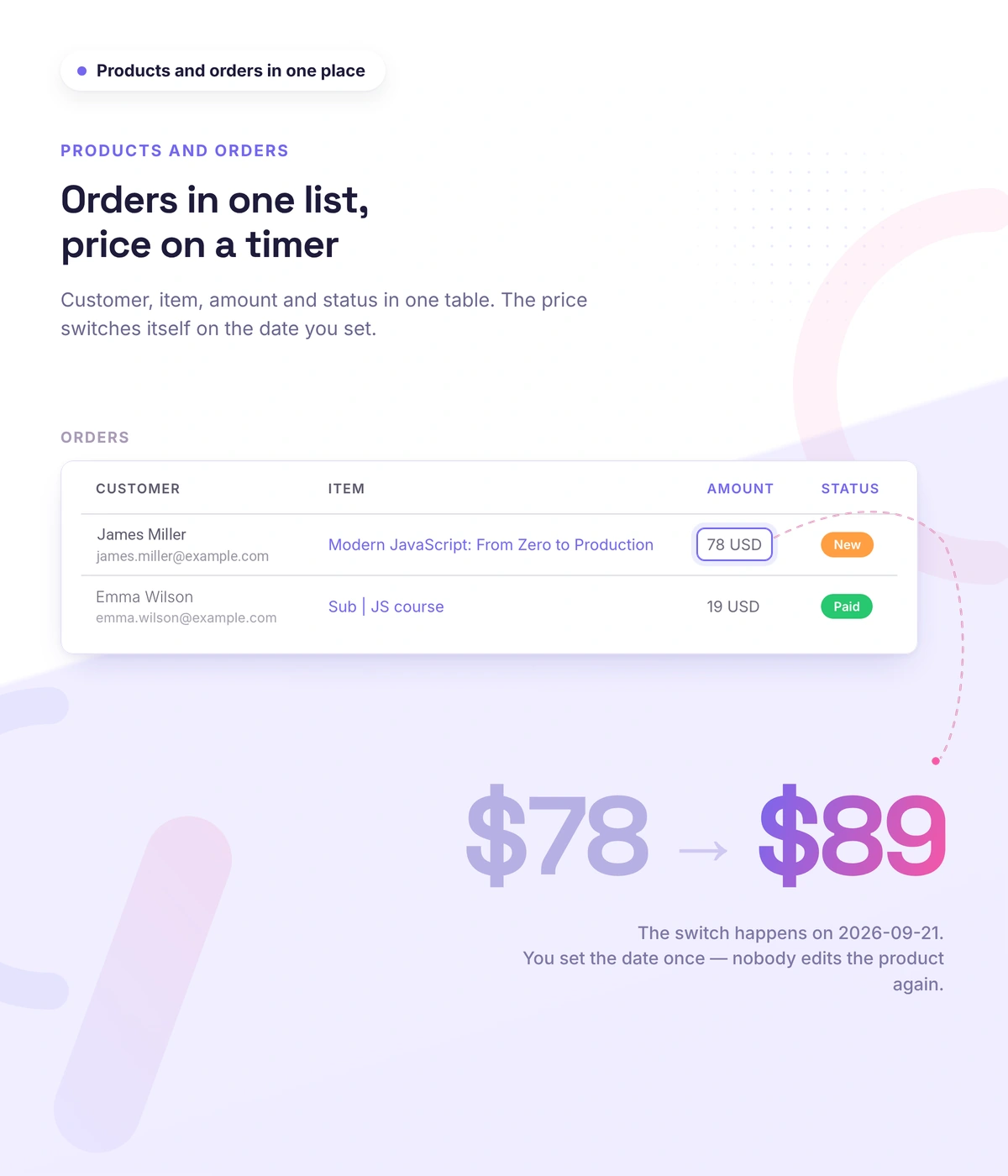
You set up a product with a description, a price, and payment methods. Orders are tied to a student and a course, and the status is visible at every step. You pick the product type to match the job — from a single course to a custom offer.
- Single course — you sell one course on its own
- Several courses — a bundle at one price: you group courses by a theme or an offer
- Subscription — access to a course or a bundle for a period, not a one-time purchase
- Free product — the client fills in a form and gets access automatically, with no payment. This is how an intro course is given away and leads are collected
- Custom product — anything outside the platform: an online meeting, a consultation, any material. You state exactly what the client gets after paying
- Deadline pricing — you set a date and a new price: at the right moment the price rises on its own, and discounts and promo codes are calculated from the new price
- Collecting leads without payment — a product page can gather leads without asking for money
Payments
Payment collection and automatic course access — nothing handed out by hand
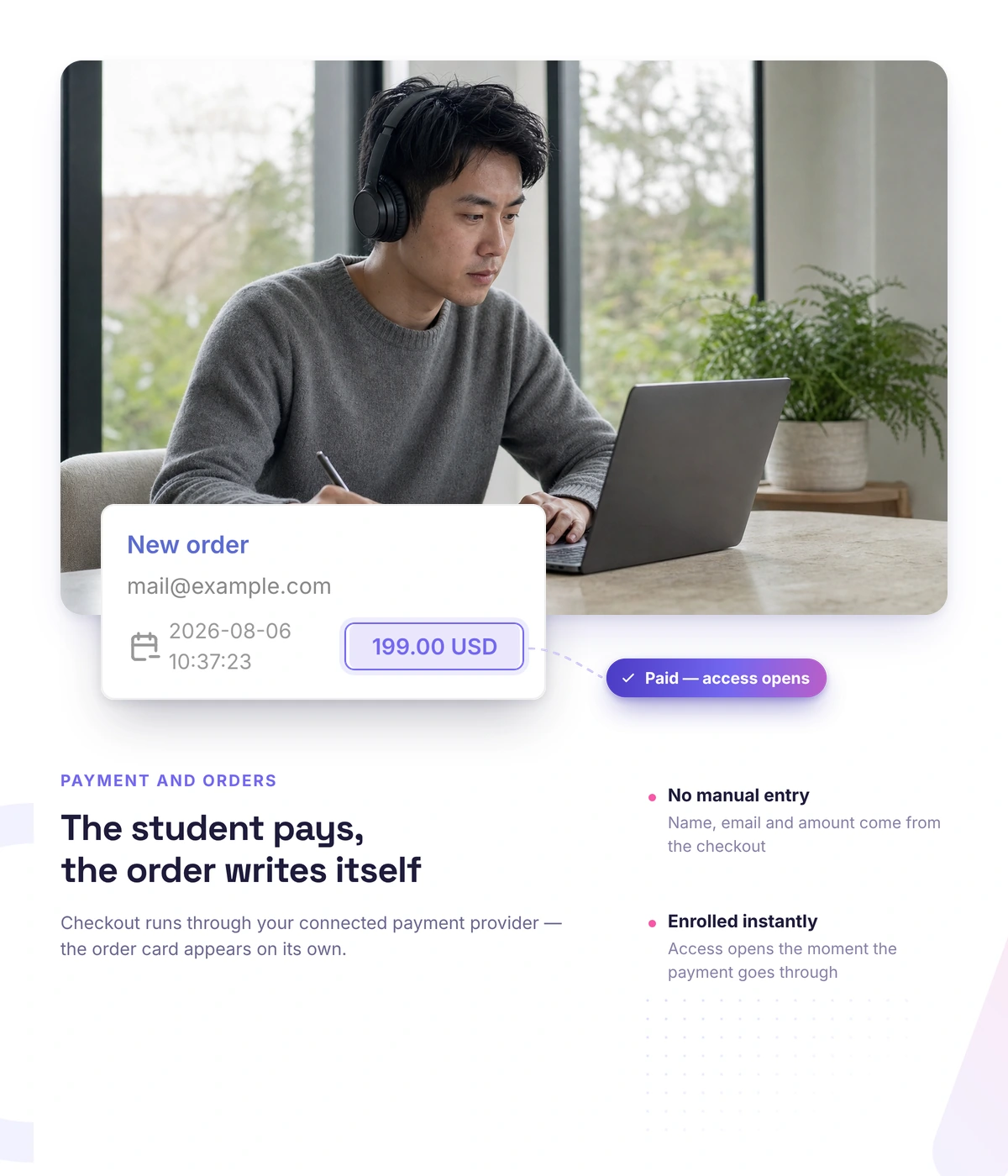
It used to be that after every payment you entered the student yourself and sent the access details — now the system does it. You take online payments through local and international providers, and after the payment the student gets access to the course and an email with their login.
- Online payments: local and international providers
- After payment — automatic course access and an email with the login
- After payment the student lands in the right group and picks up its schedule, if one is set
- Payments are visible in orders and in the student card
Subscriptions
Subscriptions and recurring payments — income that repeats
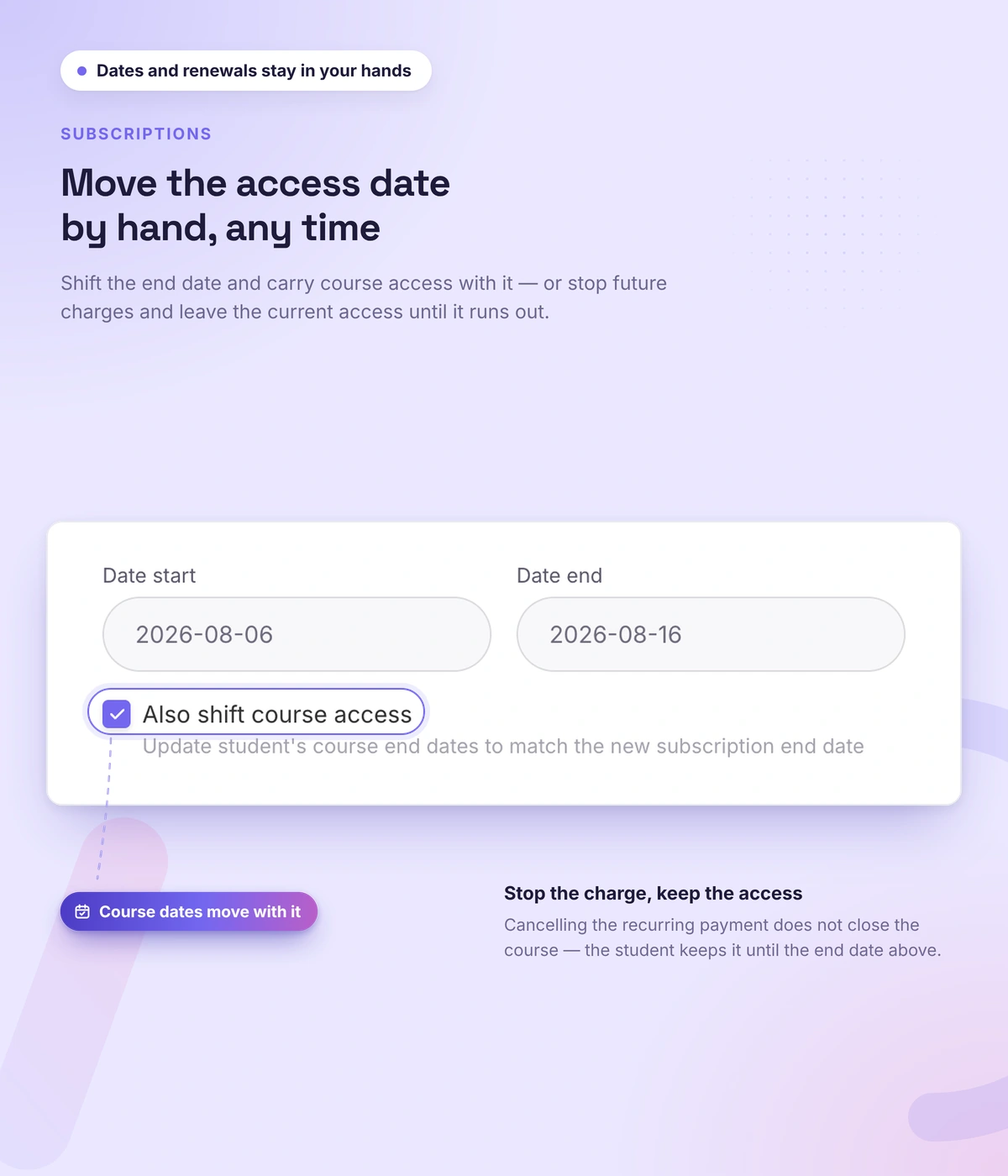
A one-time sale brings money once — a subscription brings it every month. The payment is charged regularly, and the student keeps access while the subscription is active. You set the first and the recurring charge, the period, and a free start.
- Recurring charges from a saved card
- A free period at the start, if you want one
- Renewal and cancellation — access stays until the end of the paid period
- Subscription and payment history in the student card
Upsells
Upsells: more revenue from the same student base
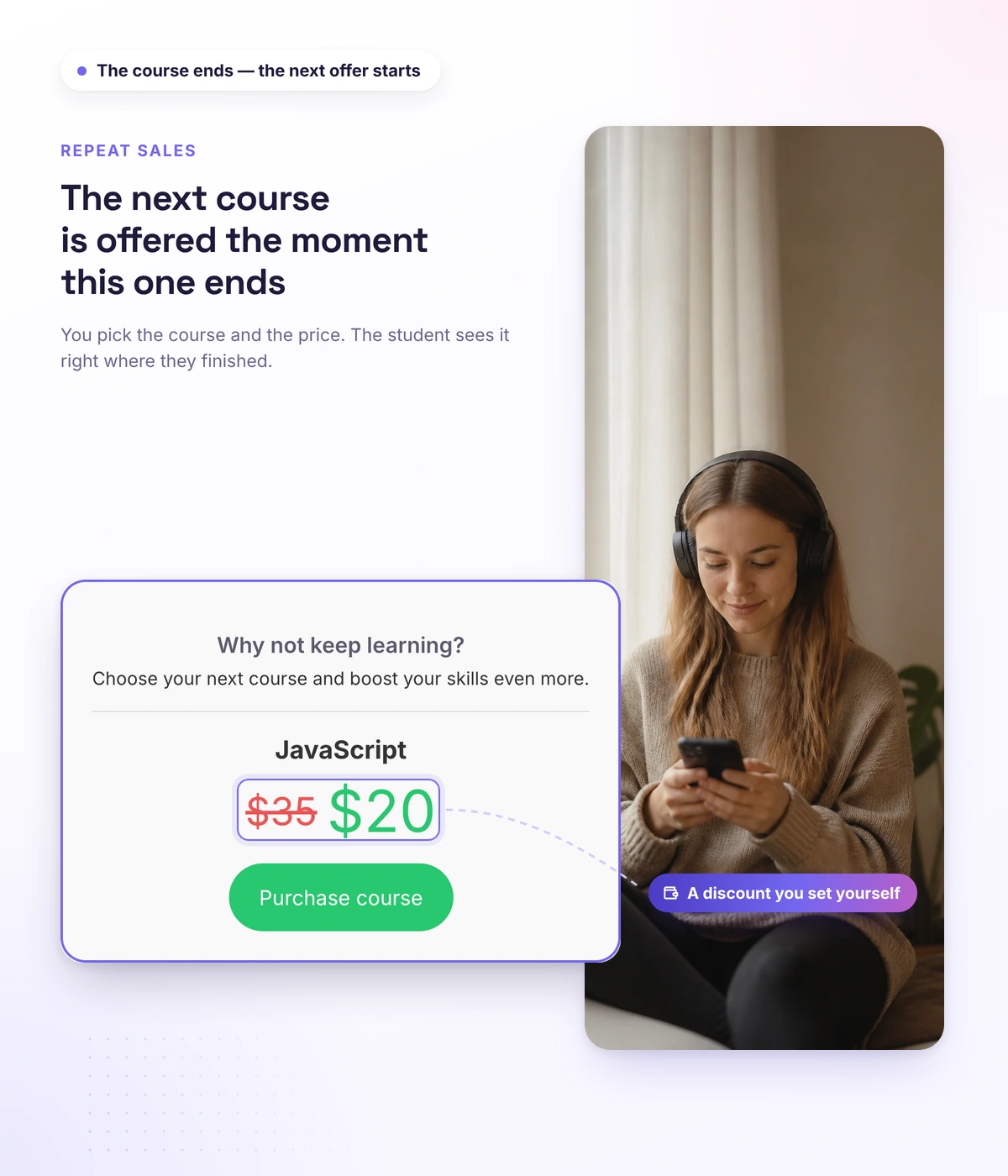
You don't stop at the first sale: you offer the next product right after the course, and give discounts and promo codes for a launch.
- An offer after the course — the next product proposed
- Promo codes and discounts for campaigns and launches
- All on one student base, connected to courses and the CRM
Real schools. Real results. Real people.
Founders and creators on what works best for them in Softbook.

"We picked Softbook because we needed one platform for selling courses and managing students. What we value most: video uploads, clear pricing with no surprises, and support that actually listens and acts."
Mike Pritula
Mike Pritula Academy

"The team moved all my lessons over by hand — I have no idea how I would have done it myself. They were careful about it. They keep improving the platform, they listen to what you ask for, and they genuinely look after every client."
Tanya Mykhalchenko
PPC advertising school

"Before we switched, we tried selling video lessons through Instagram, but without an admin it was impossible. Here I uploaded the courses, set up automatic payments — and the system runs itself. The courses bring in steady income without me being involved every day."
Olga Miller
Director, recruiting school

"We built a big knowledge base for our students on Softbook. No more 'live' sessions with speakers — everything is recorded and laid out in modules with tests and assignments. Our instructional designers can finally breathe."
Alexey Dinar
Personal coach
"Your platform solved a problem I had been struggling with for a long time. I uploaded a few courses, set up automatic payments — and stopped worrying about the technical side. I can see the courses selling and bringing in income every month."
Alla
Massage therapist

"Softbook let us scale our cleaning school into new regions with no extra spend on technology."
Yevhen Sukharev
Founder, Kyiv School of Cleaning
"In two years with Softbook we have built a full agency with an education arm. The platform covers everything we need."
Myroslav Liaskovets
Founder, LeadMarketing
Questions about sales and CRM
No. The CRM is built in: contacts, deals on a kanban board, pipelines and tasks — on the same student base as your courses and sales.
Automatically. Once the payment goes through, course access opens and an email with login details arrives — nothing handed out by hand.
Yes. A "Subscription" product charges regularly; the student keeps access while the subscription is active, and can renew or cancel it.
Local and international ones. The list of providers and how to connect them is on the integrations page → Integrations
Yes. End-to-end analytics — revenue, sources, repeat purchases — is on the control and management page → Control and management
It knows about courses. In Softbook a deal, an order, a payment and course access form one chain: after payment the student gets access automatically, and the payment shows up in the orders and in the student's card.
Yes. Set deals to be created after the order, not only after payment. Then everyone who placed an order lands in the pipeline, including those who never paid, and the manager knows whom to follow up with.
Create a product: a single course, several courses, a subscription or a free product. Connect a payment provider: after payment the student gets access automatically, and the deal appears in the CRM at the stage you chose. The whole sales setup in one place: platform to sell online courses.
Sell courses and manage customers on one platform
30 days free, no card. CRM, pipeline, payments and automatic access — in the same place as your courses.